
Final Fantasy XIV is solid on Switch 2 handheld, but docked should have been better
Final Fantasy XIV released a few days ago for Nintendo Switch 2 worldwide following its launch on Xbox Series consoles a few years ago. Final Fantasy XIV's A Realm Reborn launched for PS3 and Windows before seeing a PS4 port followed by a PS5 release. A lot has changed for the game since A Realm Reborn with new platforms, expansions, a graphics upgrade, and more. I've covered FFXIV on Steam Deck and even PS5 Pro, but I was very curious to see how the Switch 2 port would look and run. I had access to it from launch day, but I waited for the load time fix to go live and then revisit it on other platforms for this feature.
I'm going to focus on the Switch 2 version, but I will also cover how it scales compared to other current consoles and PC handhelds going over performance, load times, visuals, the login experience, subscription information, and more. I also will be discussing how FFXIV on Switch 2 is for newcomers who don't plan on playing it elsewhere. While a lot has been said about how annoying it is to have to pay for an additional subscription just for Switch 2, there are also folks who only play there, and this isn't an issue for them.
Final Fantasy XIV visuals on Switch 2 docked vs PS5, Xbox, and PC
Final Fantasy XIV on Switch 2 docked makes a bad first impression if you play on a 1440p or 4K TV compared to other current consoles. Not only is it capped at 1080p as far as I can tell based on pixel counting in four different locations, but it offers no 1440p or 4K resolution UI options. It also only has a 30fps capped or uncapped option when playing docked while the PS5 and Xbox Series versions offer options to play at 1080p, 4K, or 1440p with an option to even use dynamic resolution.
The Switch 2 version of FFXIV when played docked is a step below the PS5 and Xbox versions running at 1080p with some visual cutbacks to, foliage, geometry, and even shadows in parts. In a lot of ways, it reminds me of the PS4 version post graphics upgrade, but the Switch 2 version has other advantages. Right now, docked is basically disappointing compared to current consoles when it comes to resolution, graphics, and even performance and I expected more from Square Enix here.
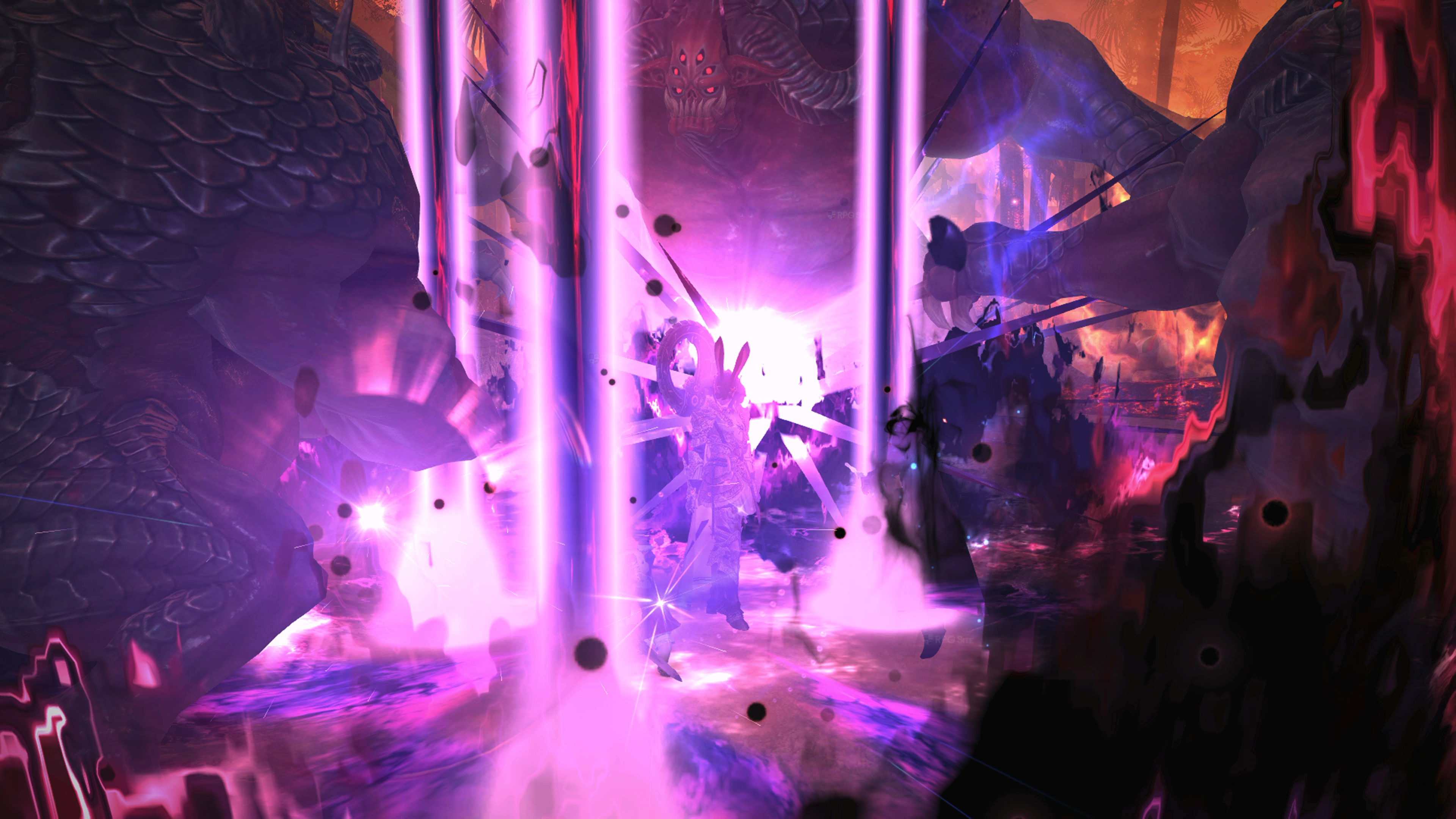
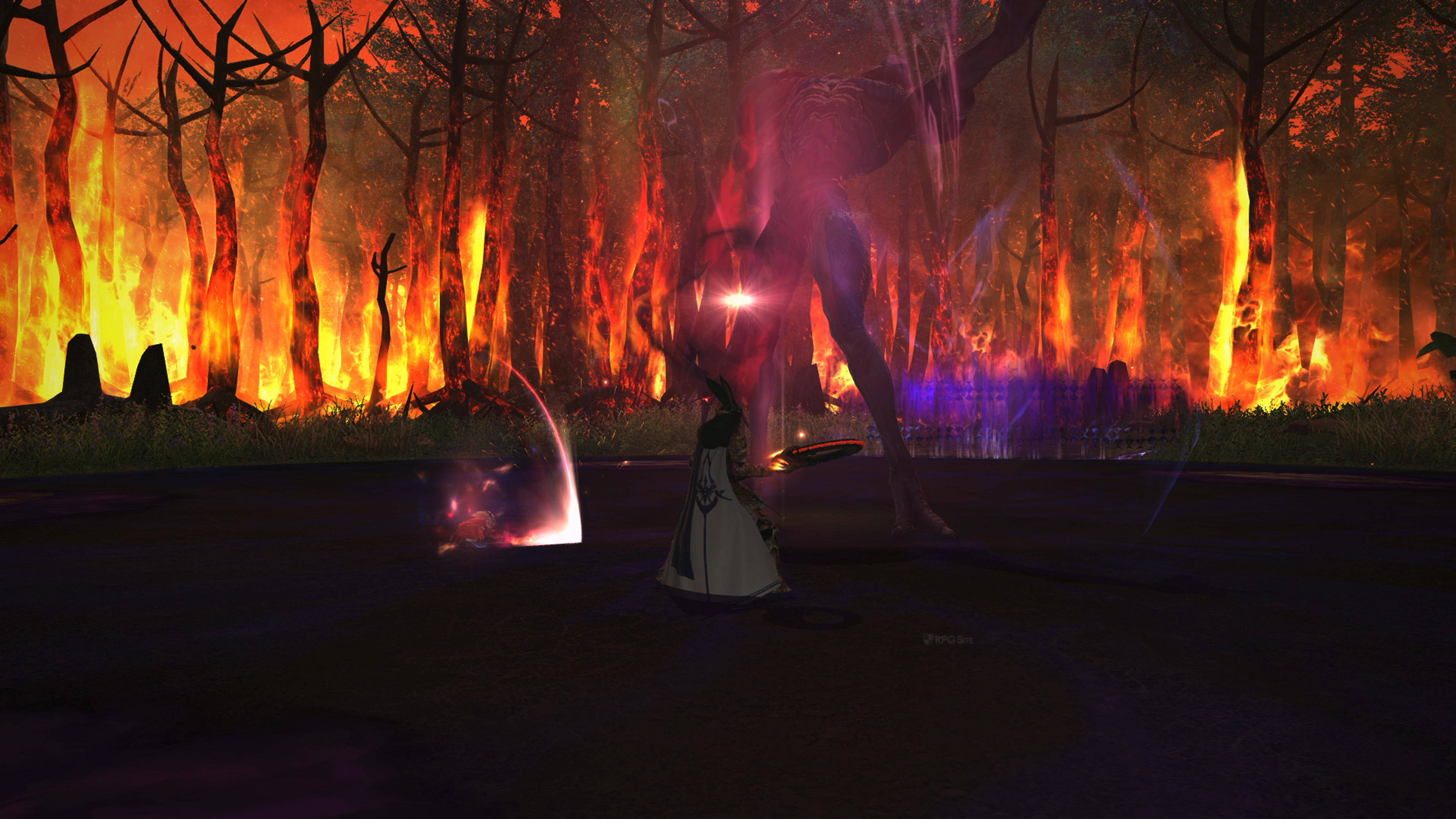
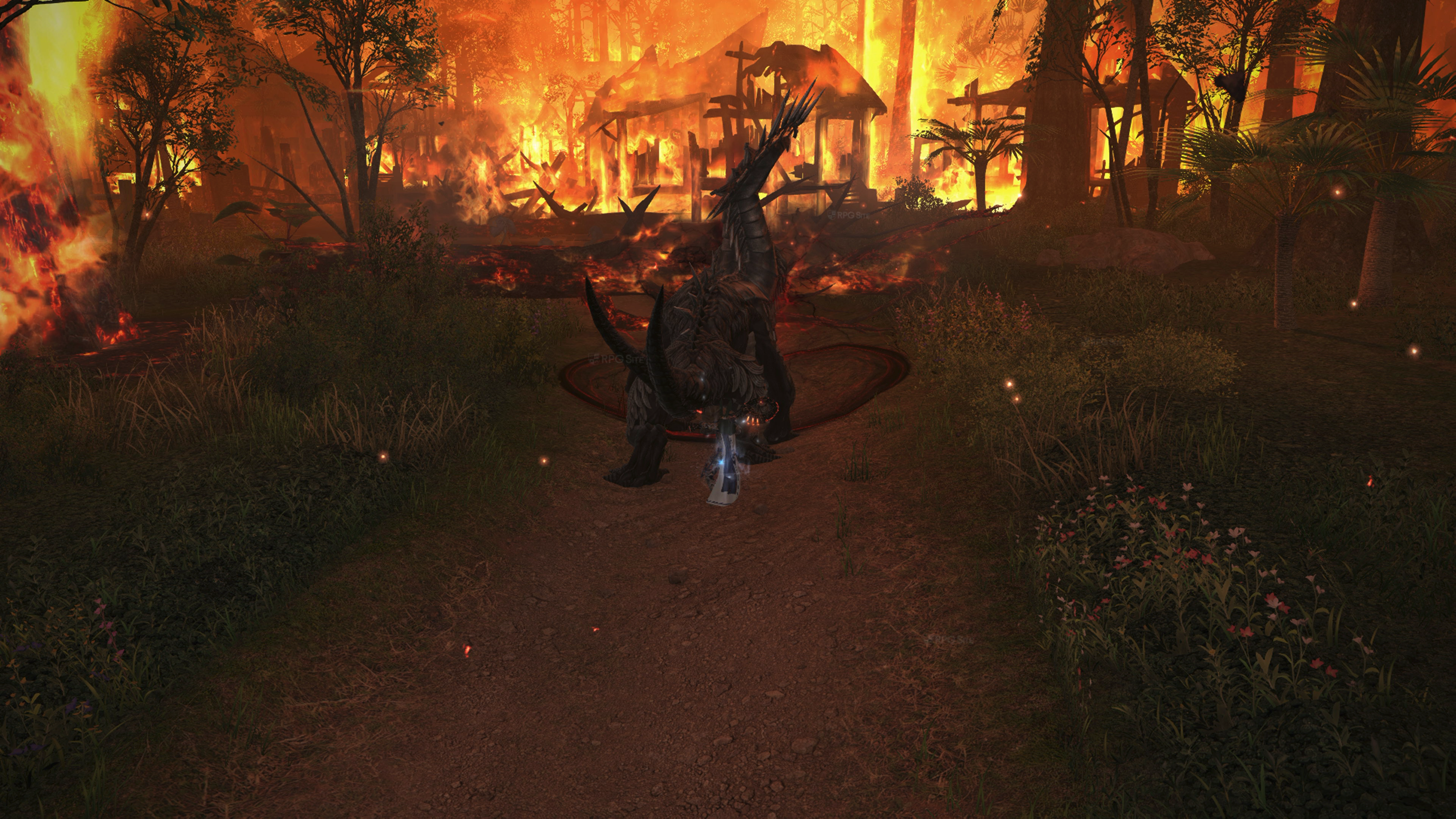
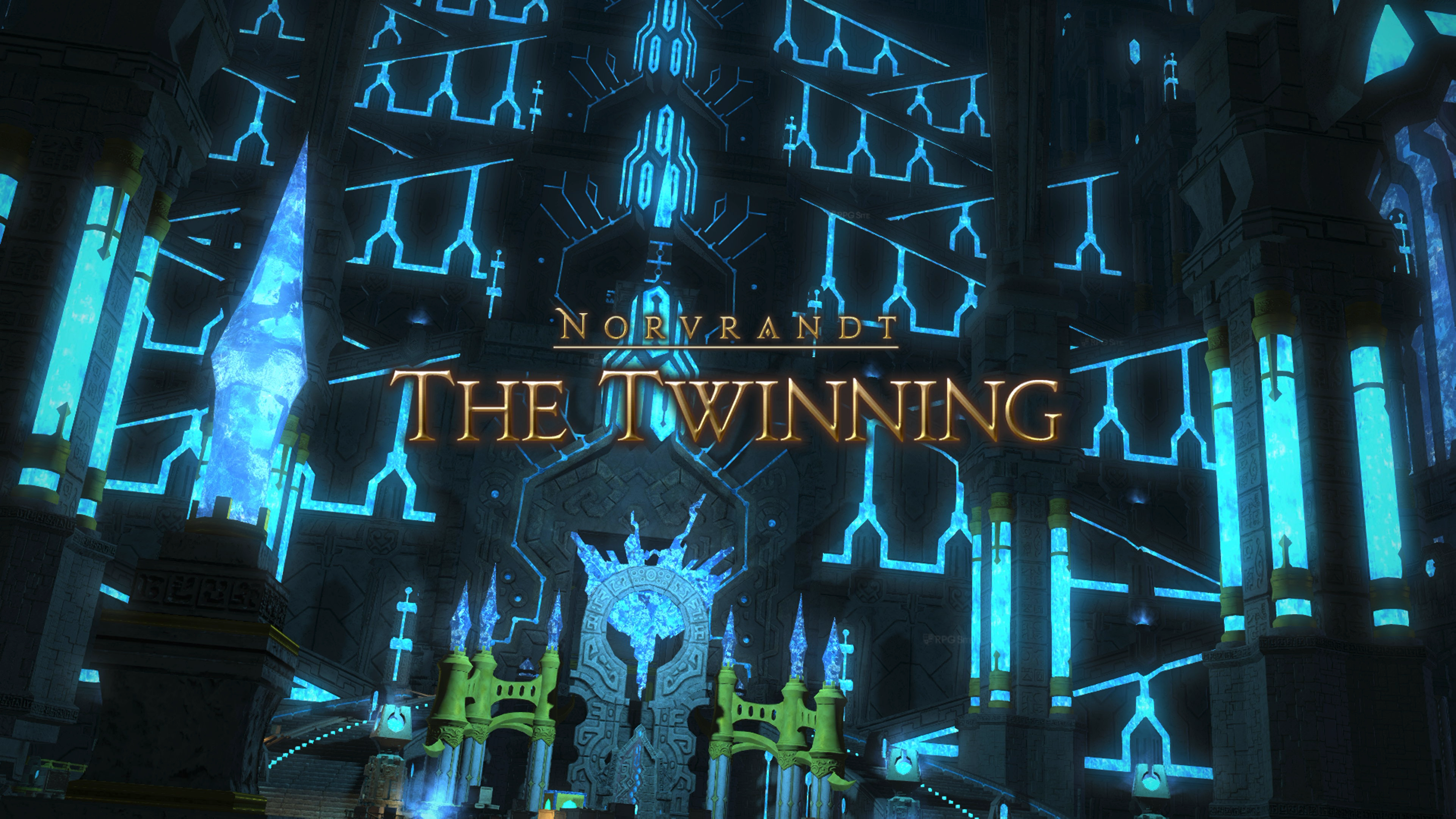
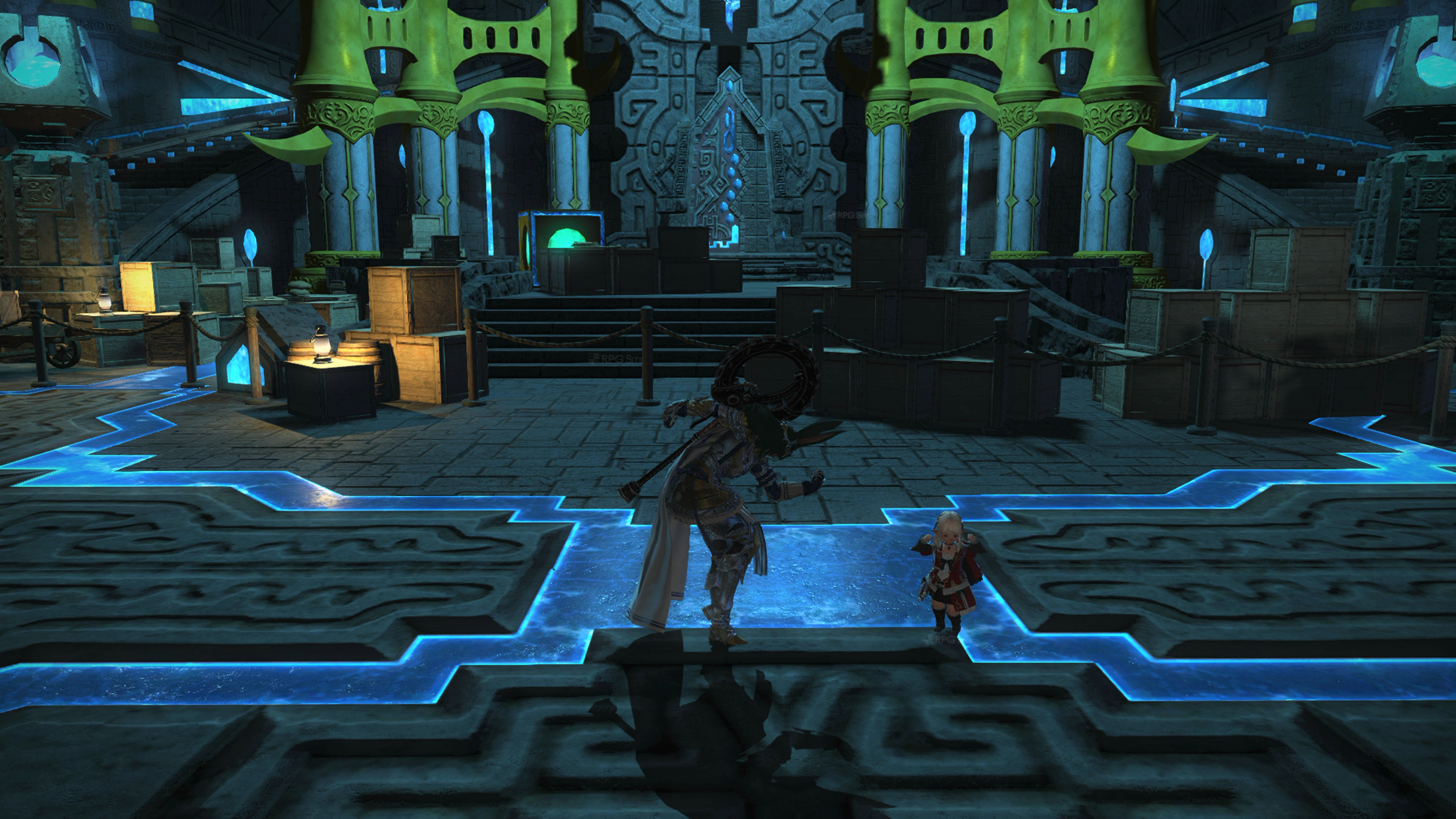
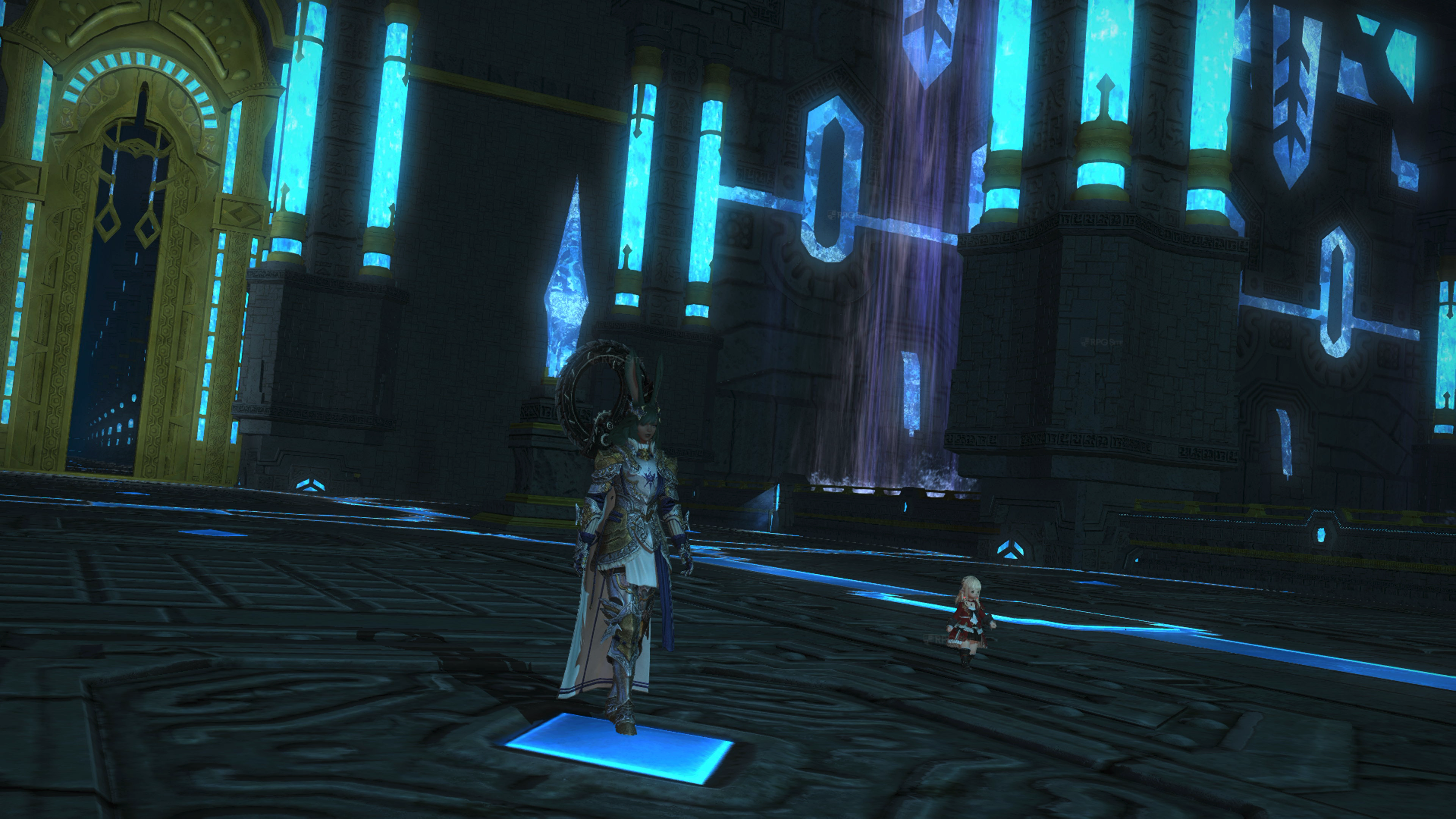
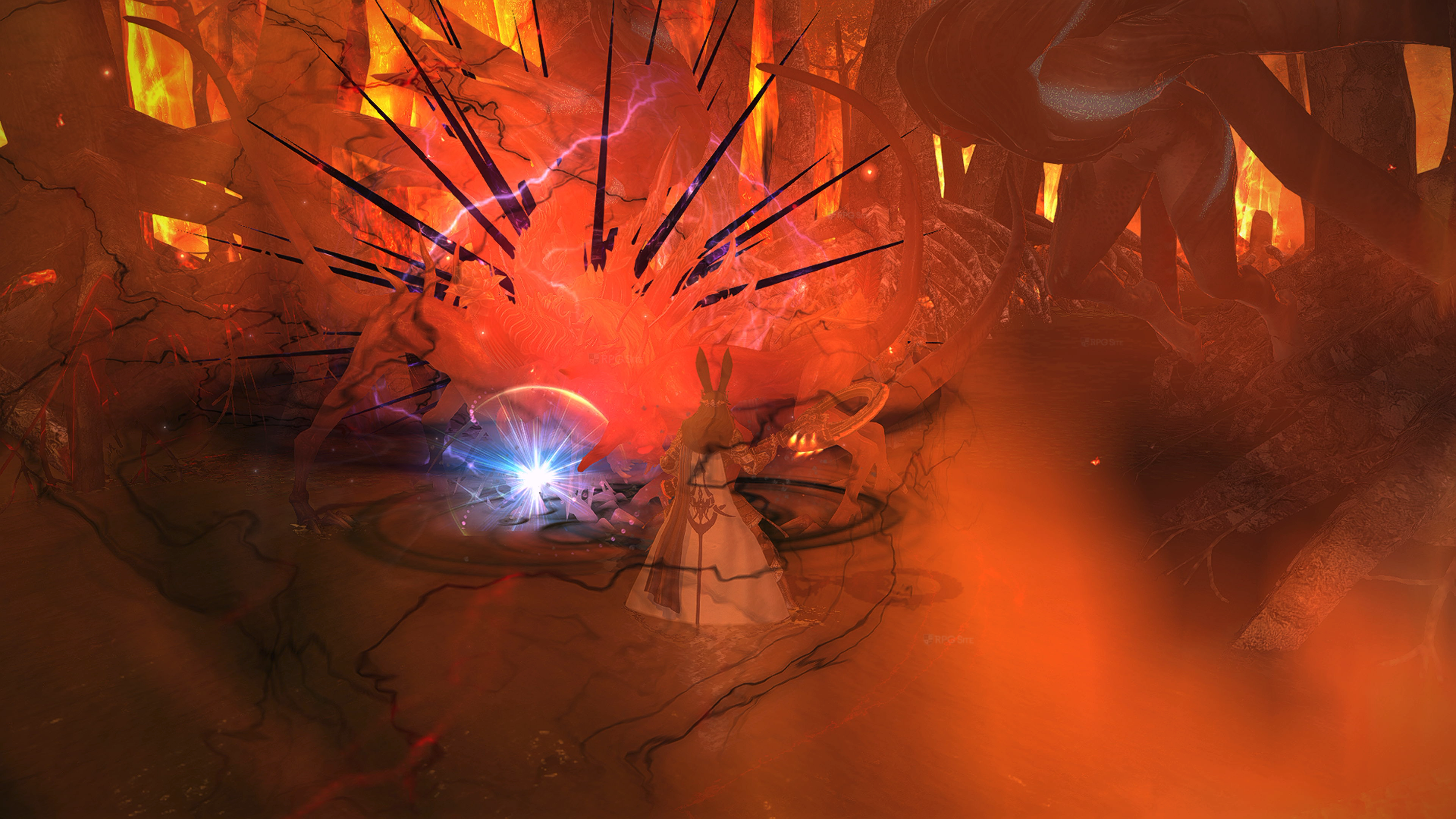
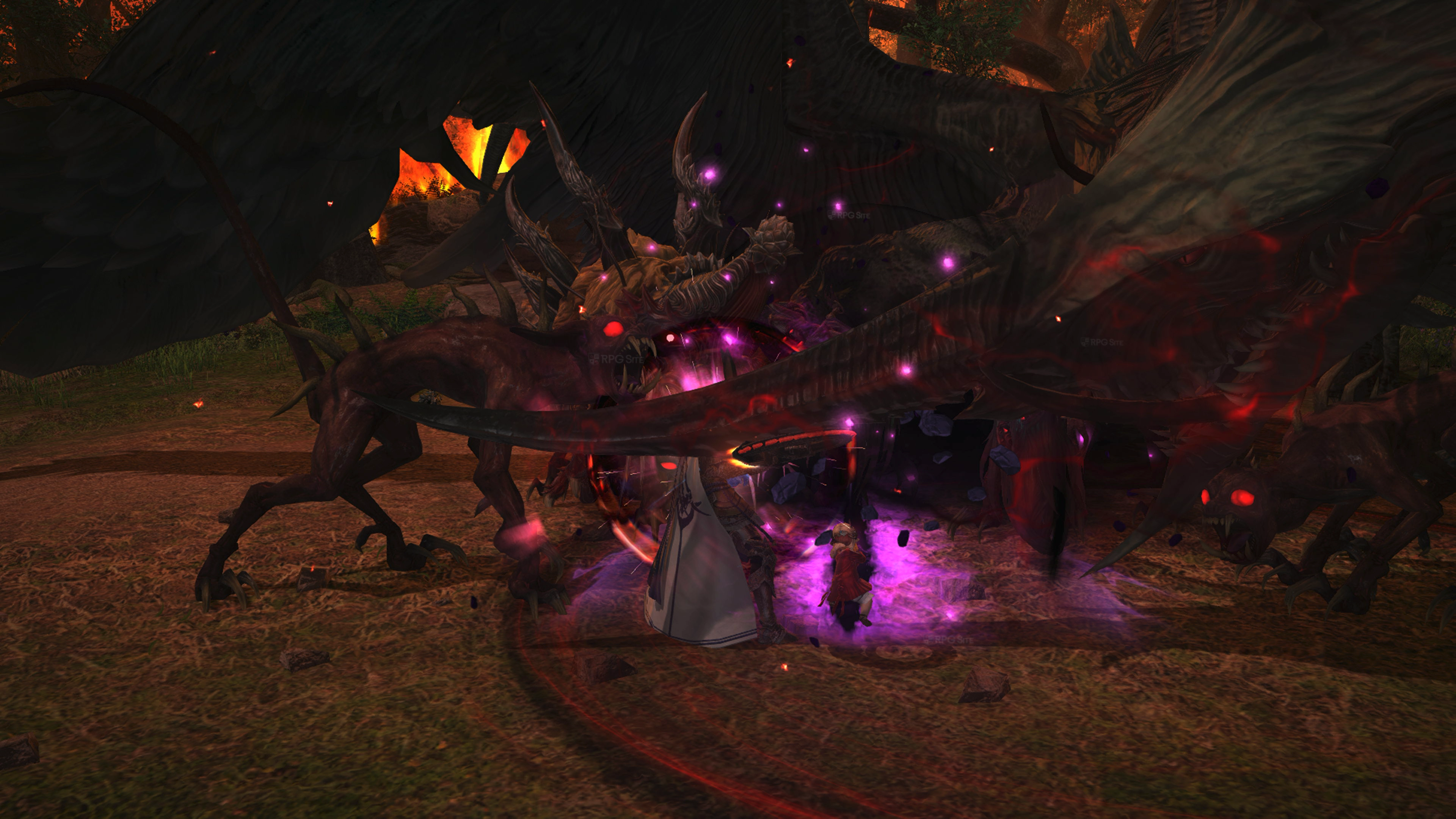
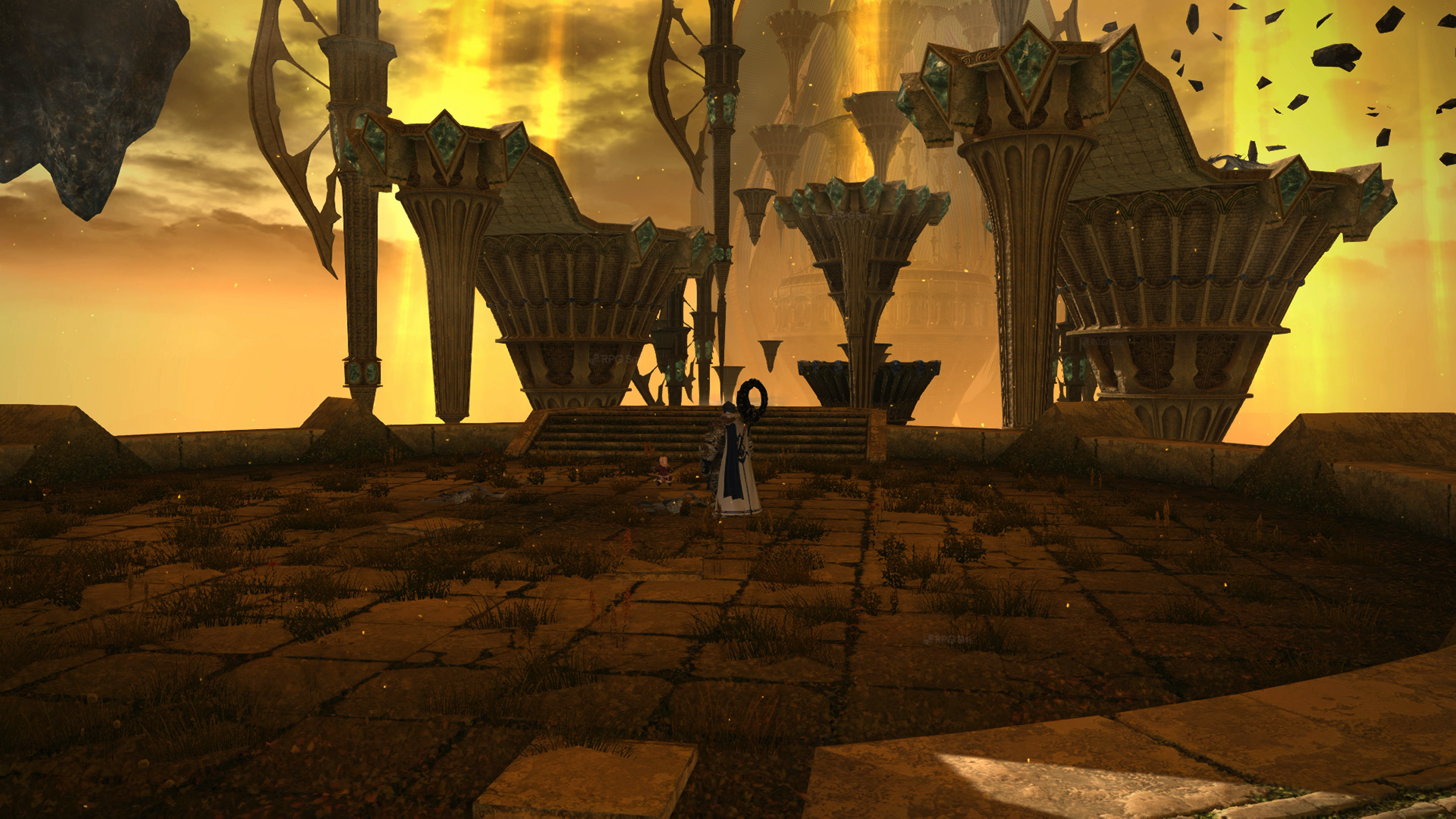
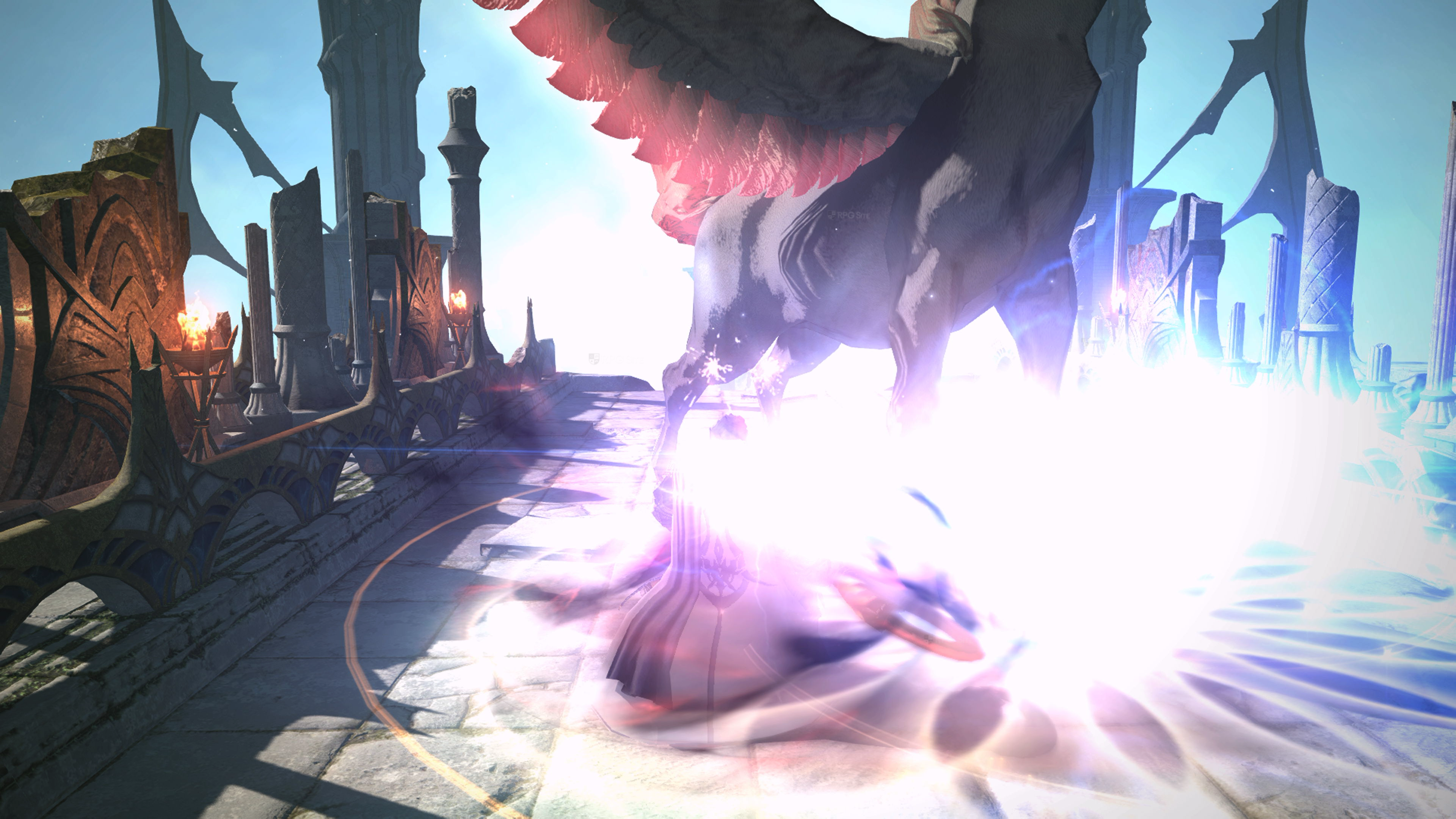
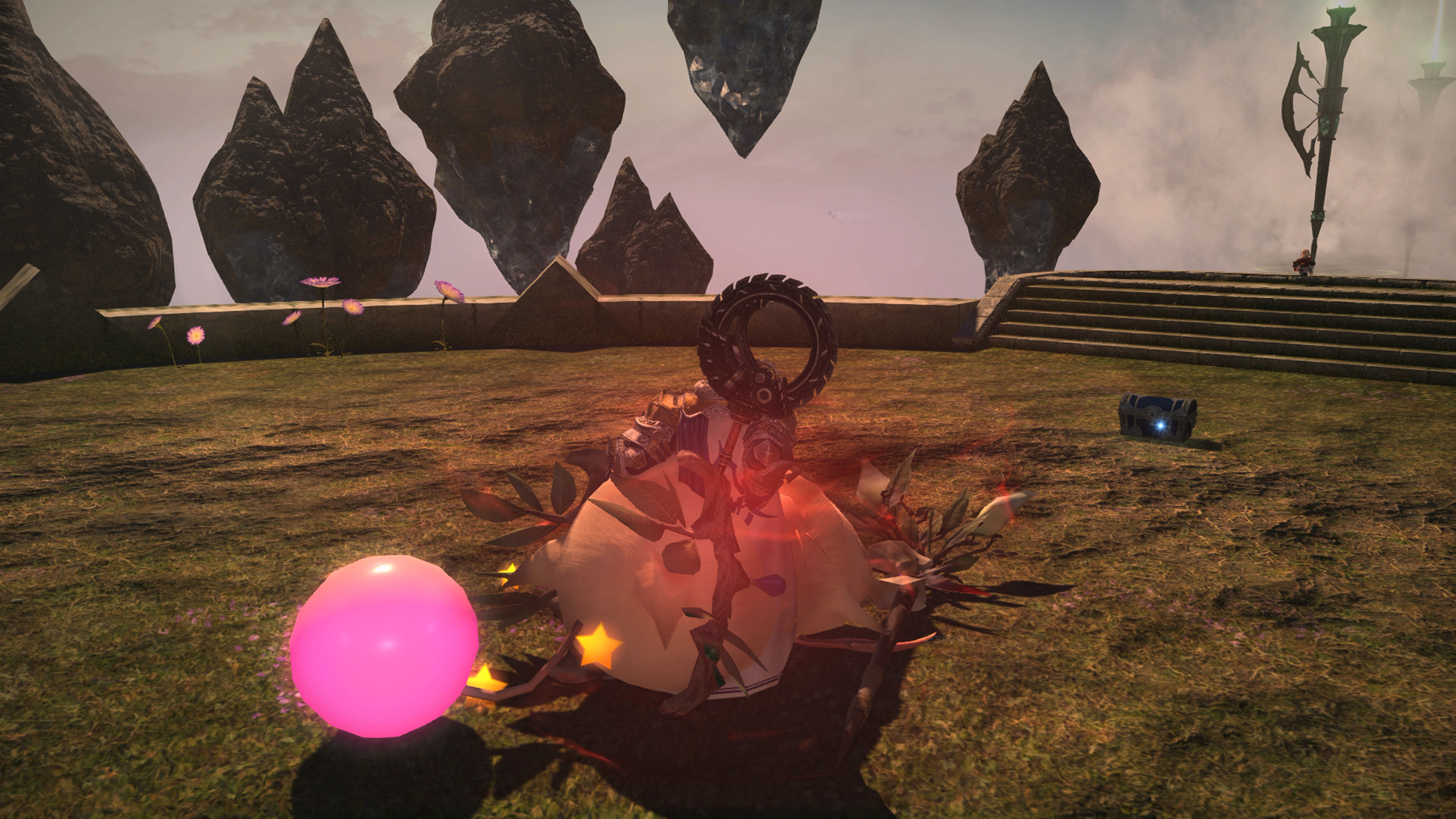
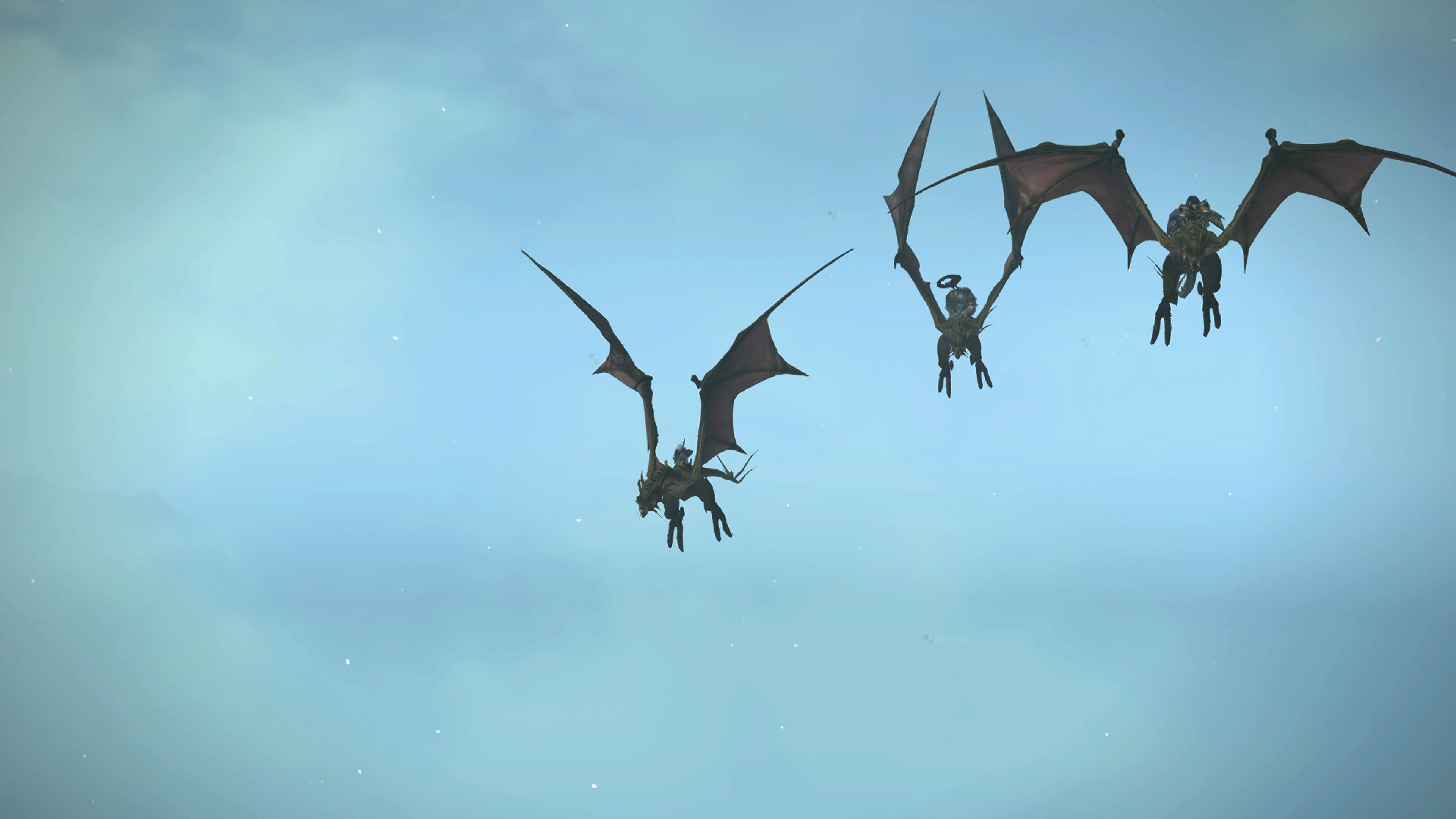
Note: The gameplay above was captured using a 4K capture card.
The major issue with Final Fantasy XIV on Switch 2 docked is not the cutbacks to some graphics or the frame rate target, but the shimmering. When moving or even standing still in some areas, the environment has a bit too much shimmering for my liking across foliage and shadows. I hope this can be addressed with some improvements to post-processing.
Final Fantasy XIV on Switch 2 vs Steam Deck and ROG Ally
Final Fantasy XIV on Switch 2 handheld is comparable to the Steam Deck 800p/720p experience when it comes to image quality, but the Deck delivers better performance even post graphics upgrade. None of my handhelds including the ROG Ally can deliver a solid 60fps experience right now though. The PC version on Steam Deck gives you multiple options to tweak your experience visually as well which aren't on Switch 2. The Switch 2 has a single graphics profile when played handheld with crisp UI and subnative gameplay that appears to be around 720p. It doesn't look bad at all on the screen itself, but again I was hoping for more from Square Enix here given the frame rate target.
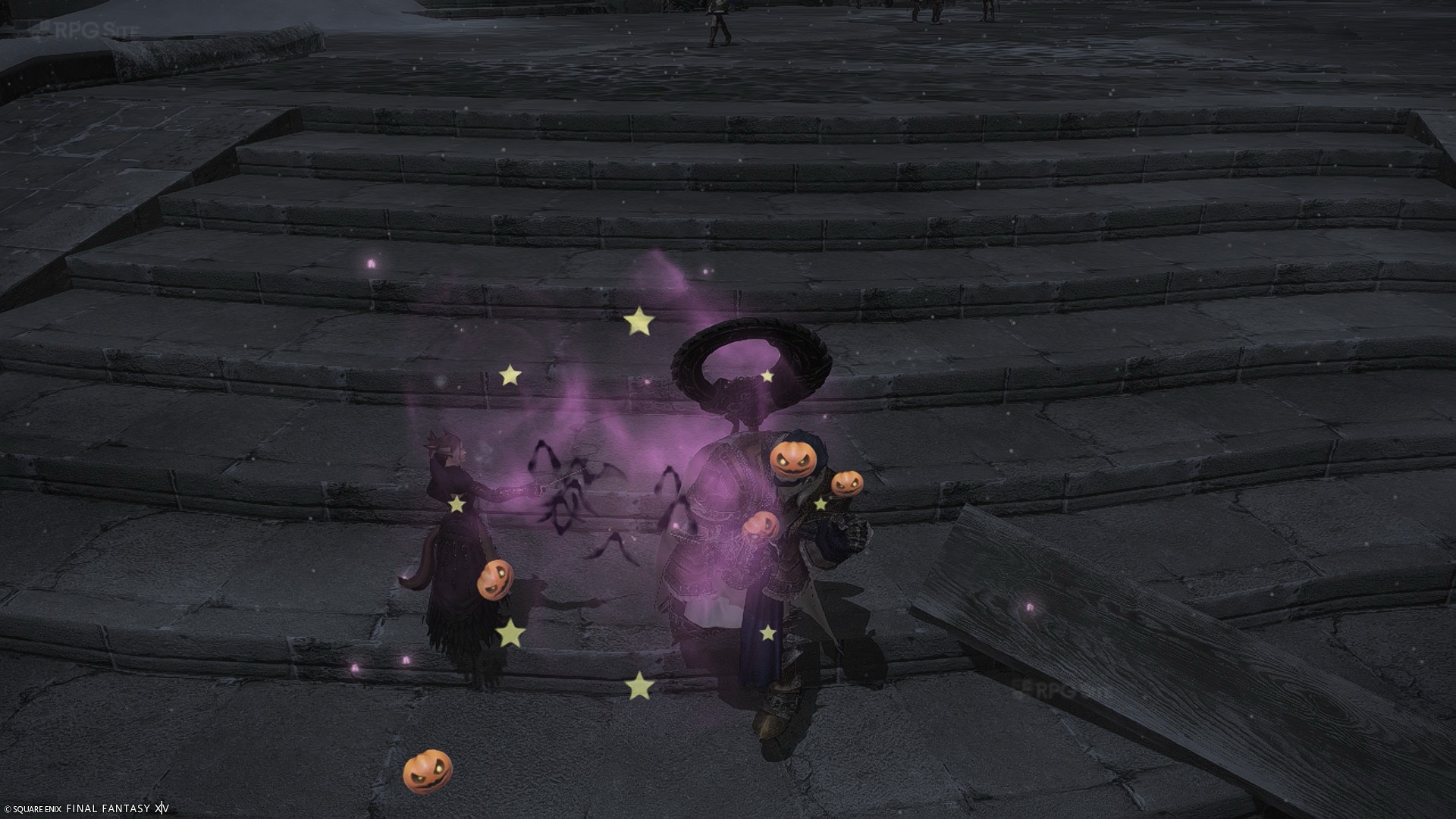
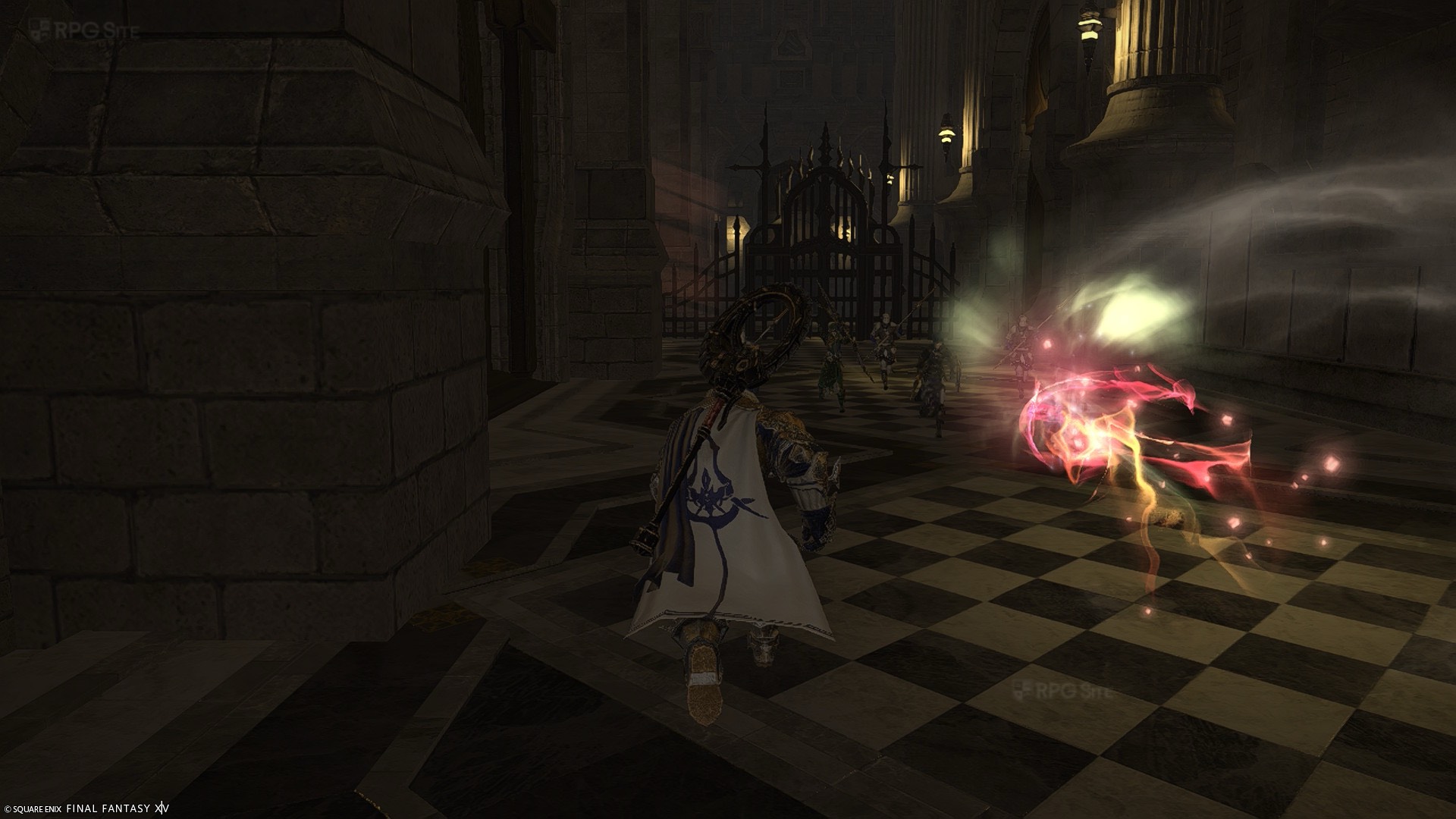
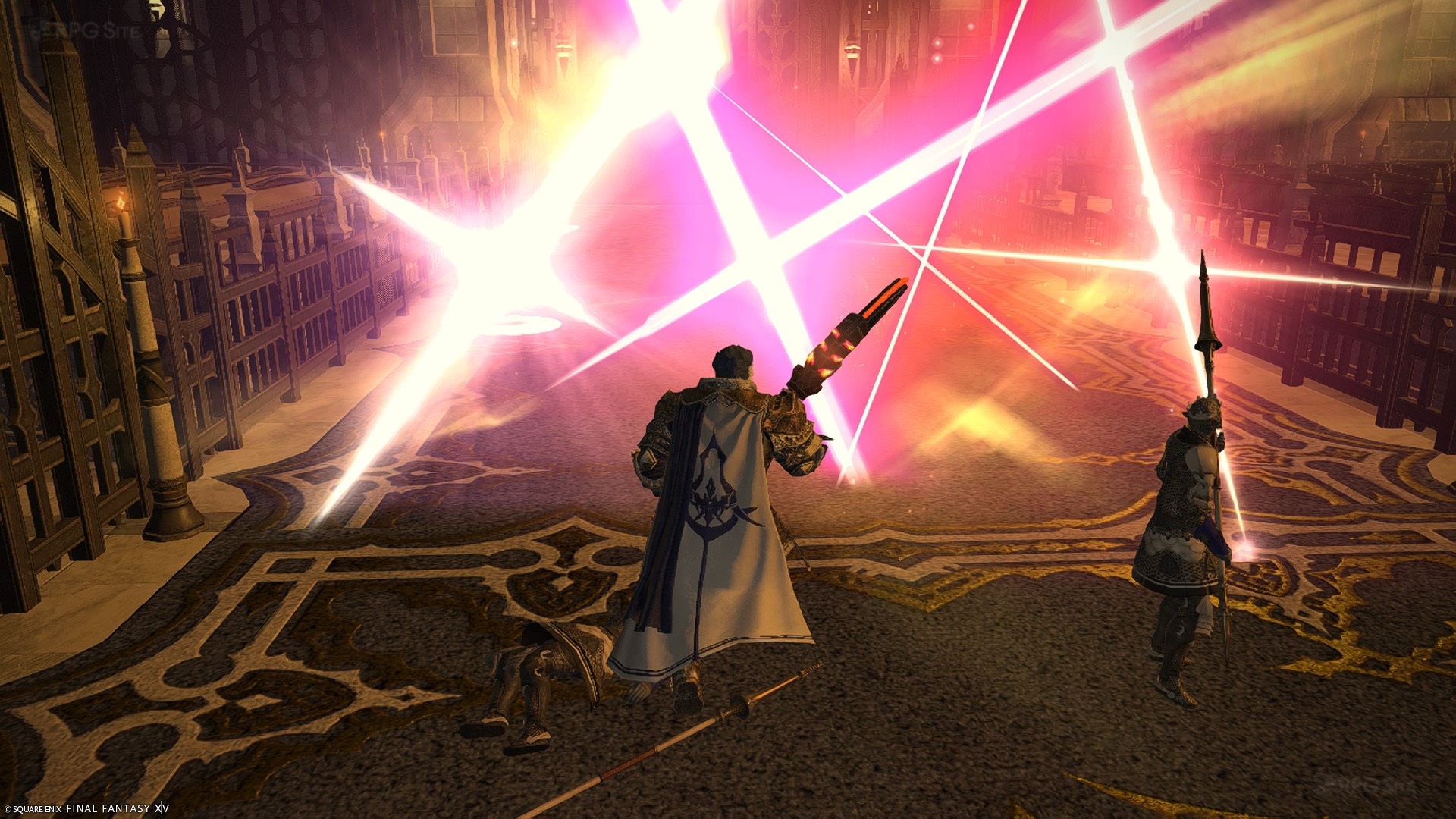
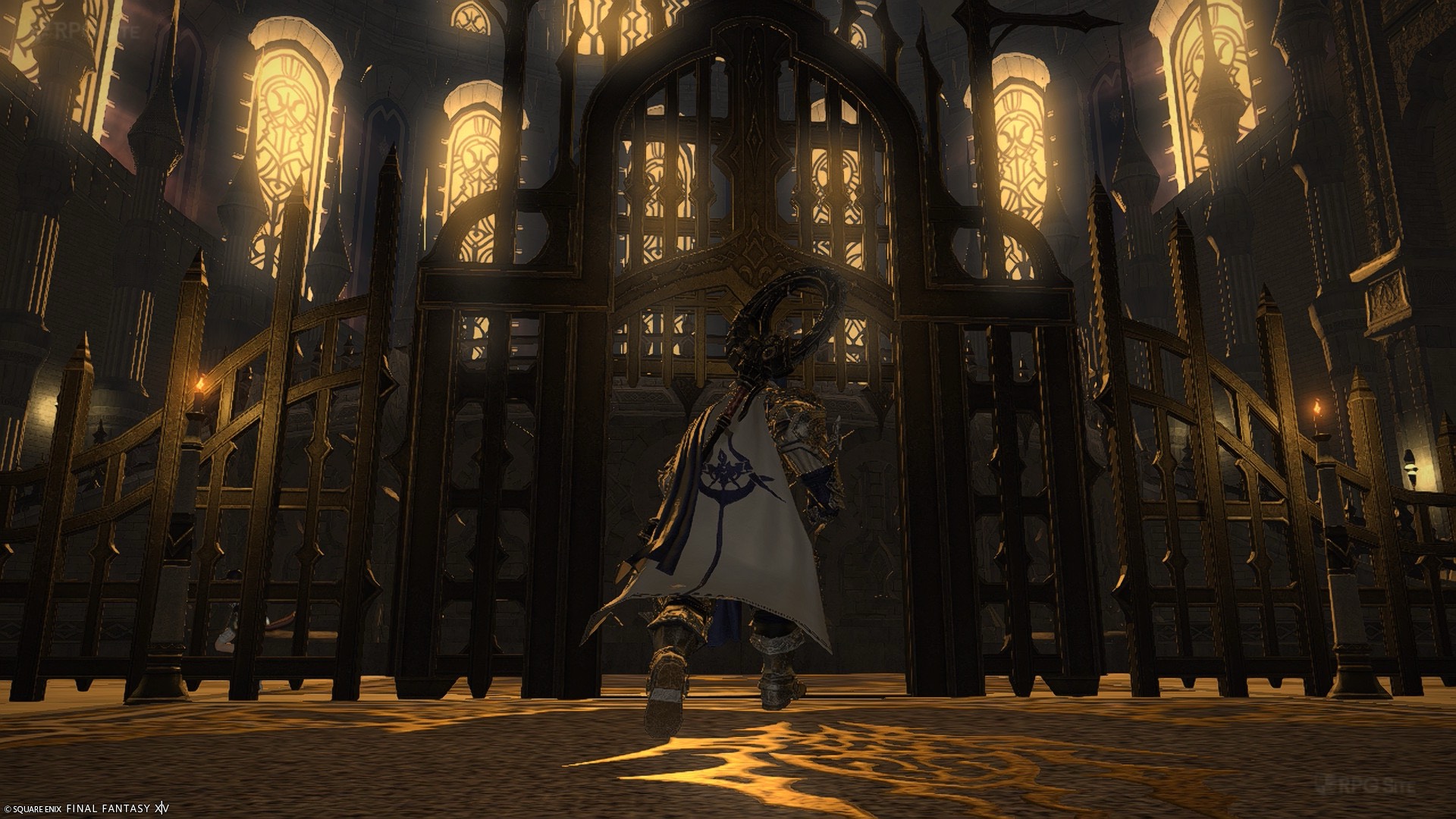
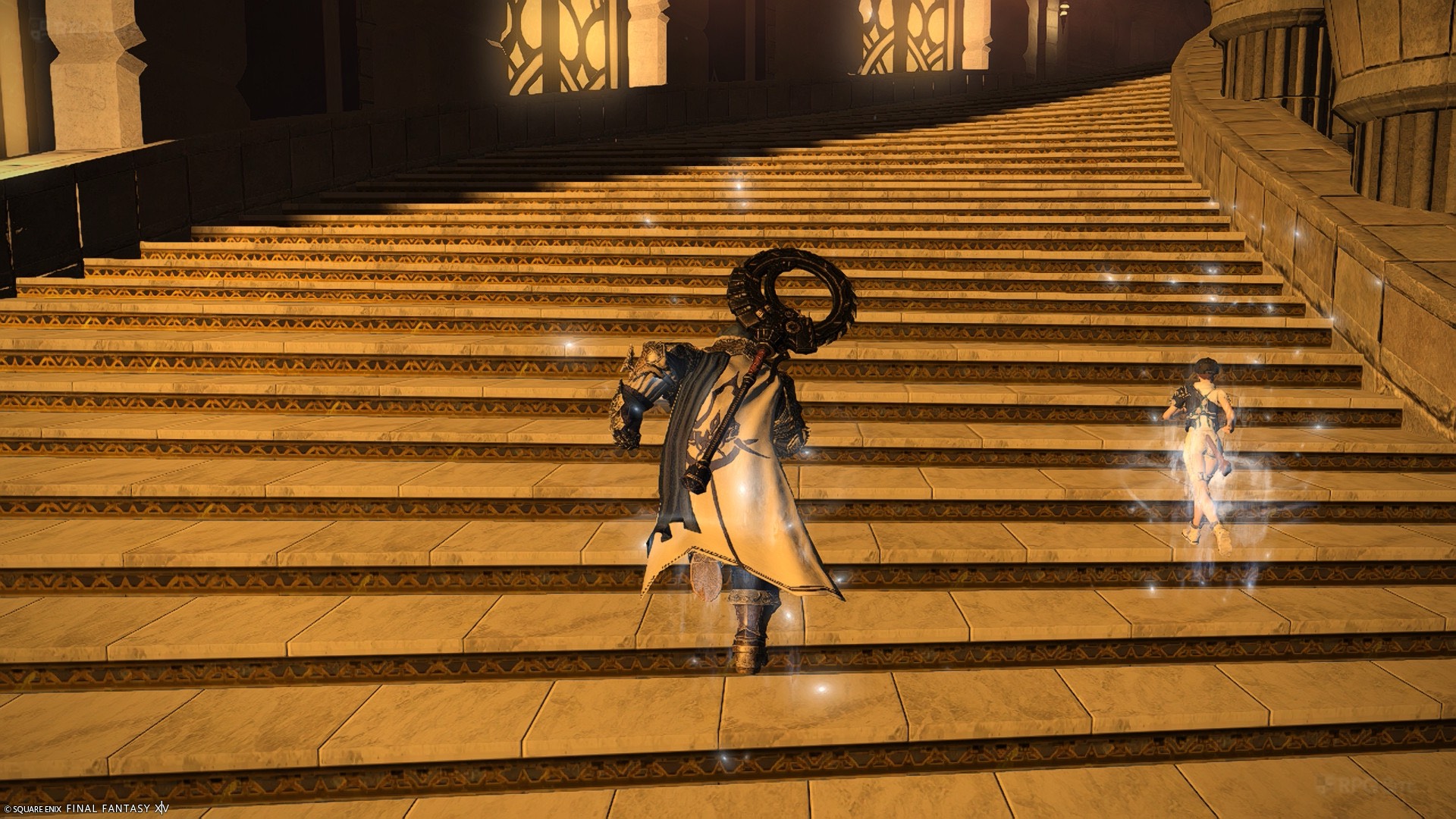
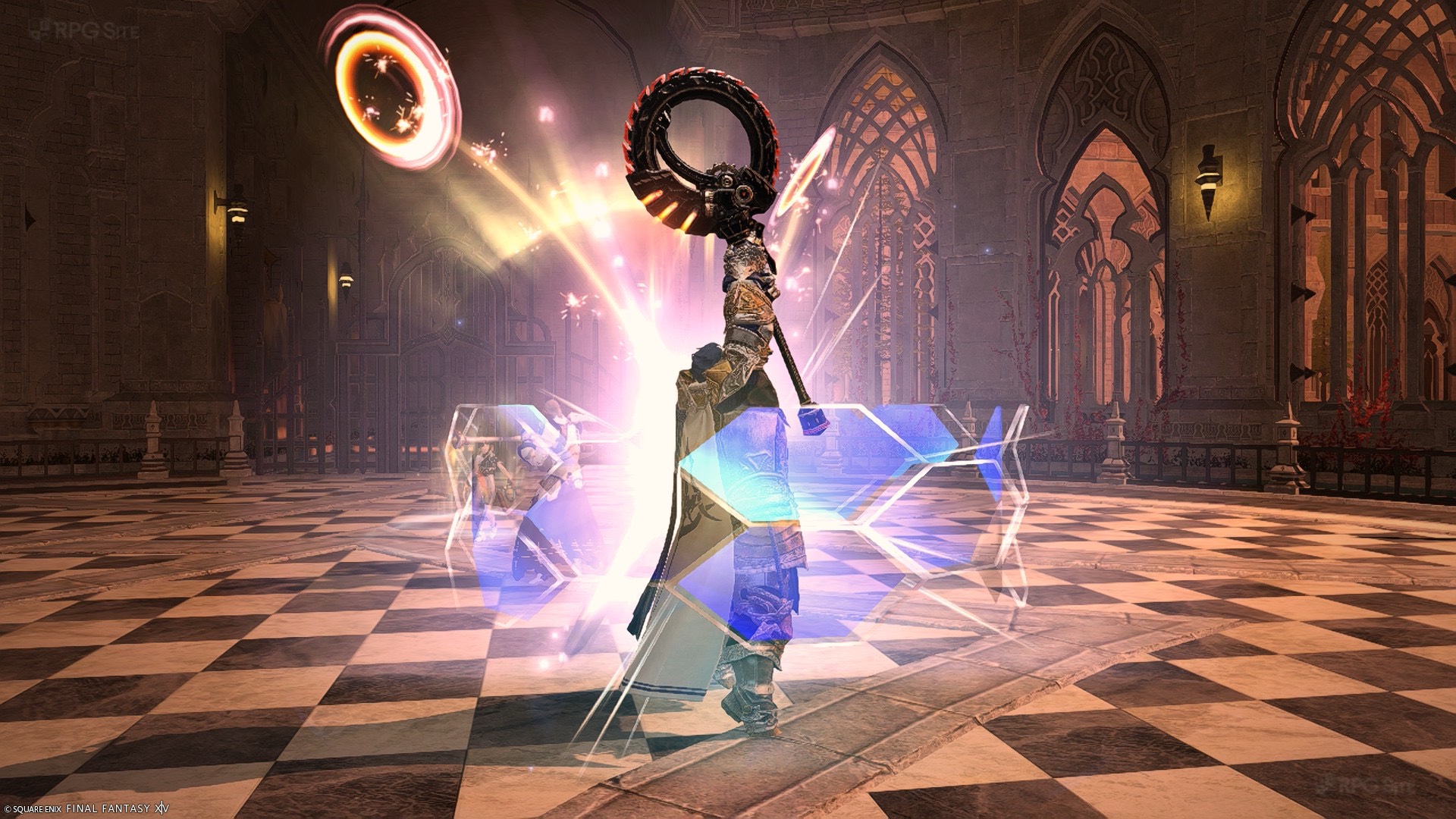
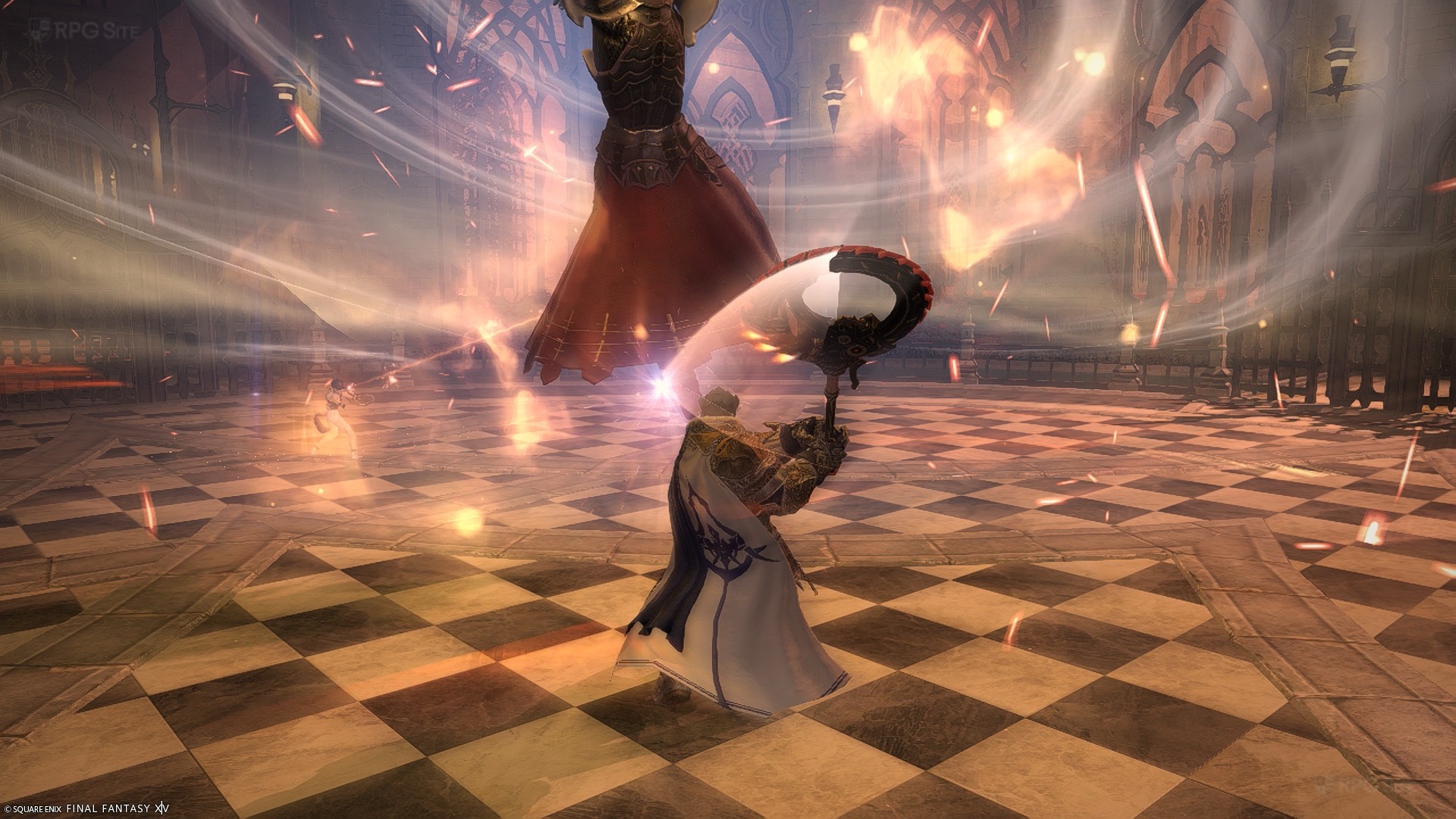
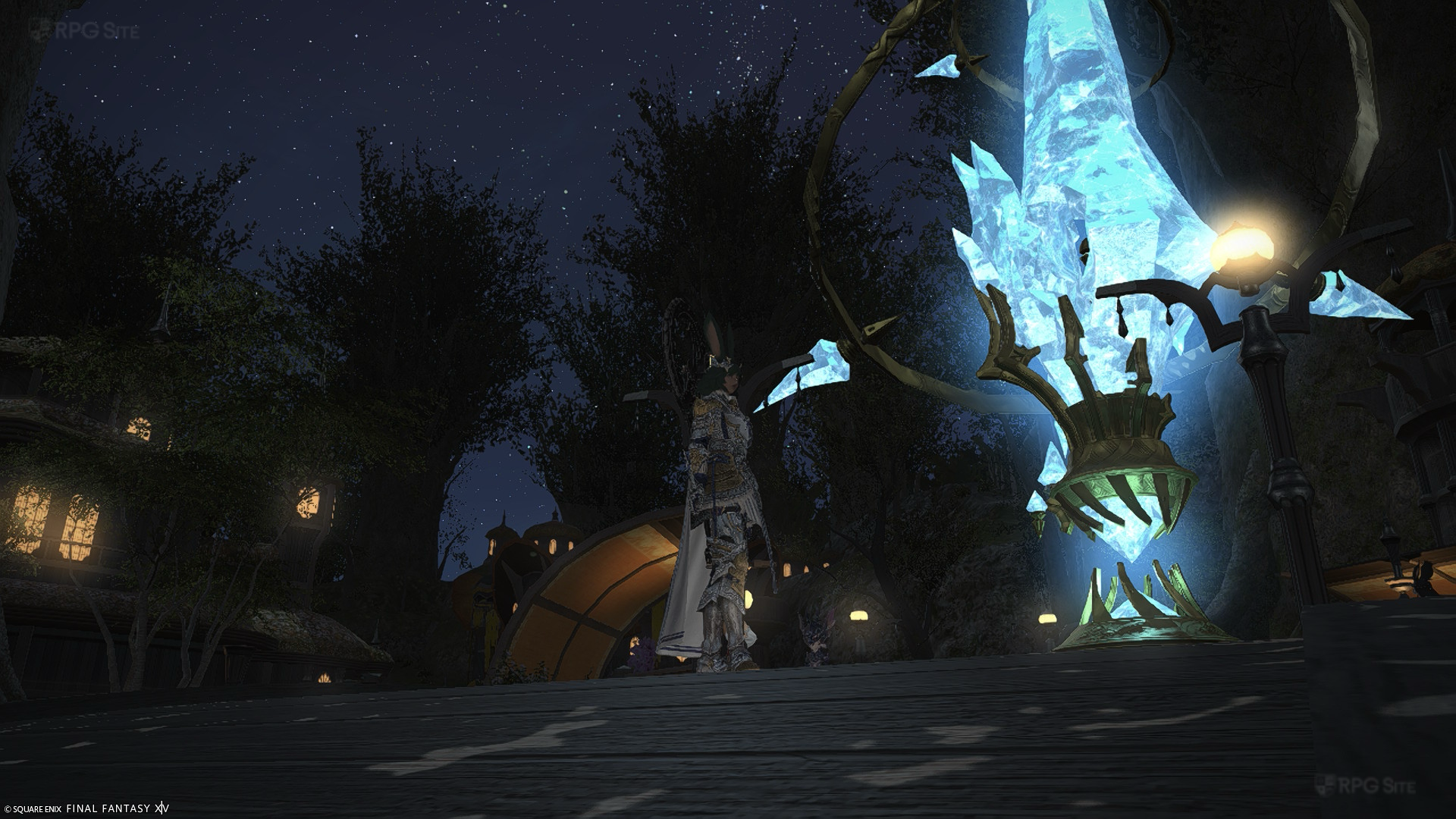
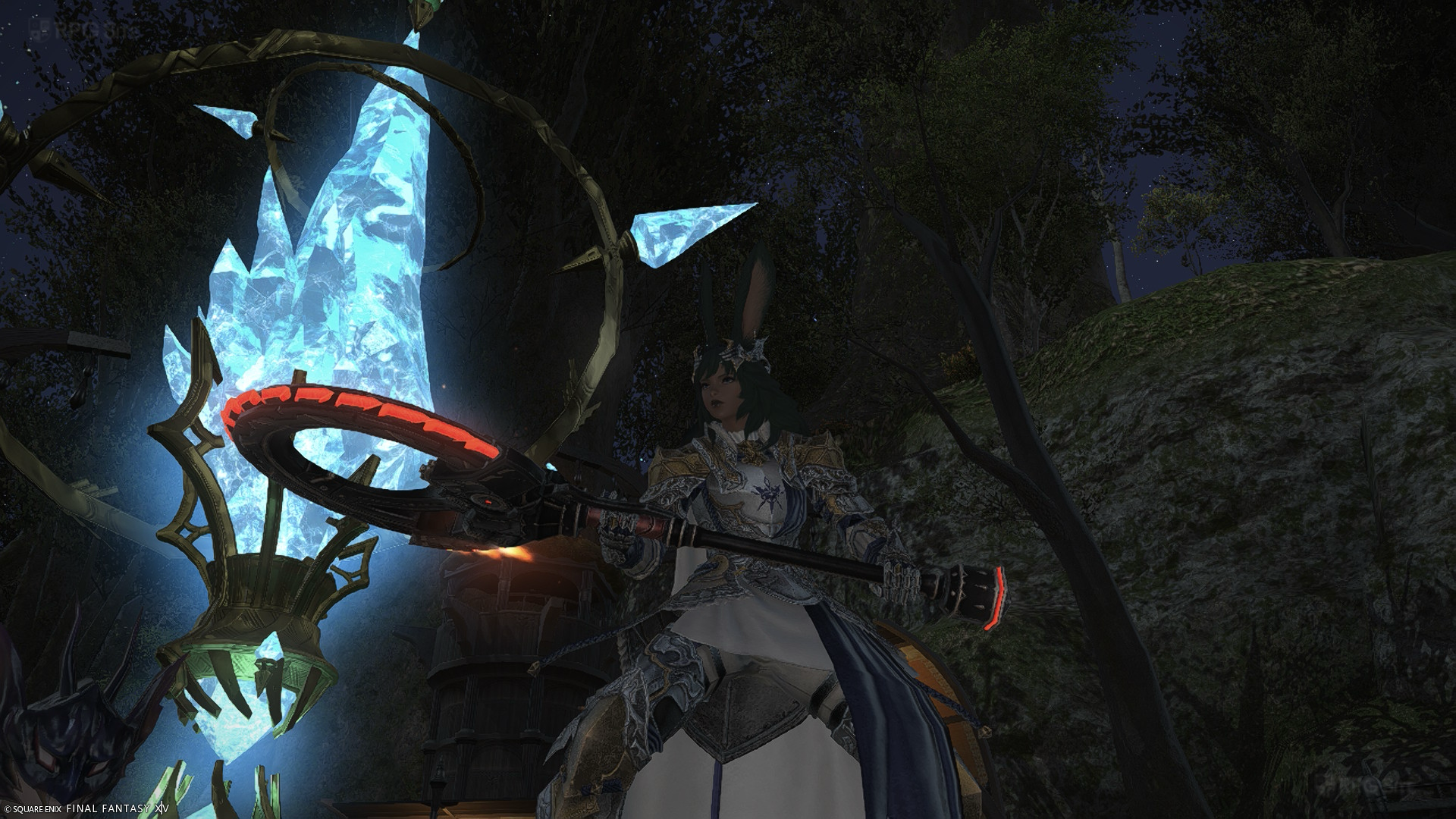
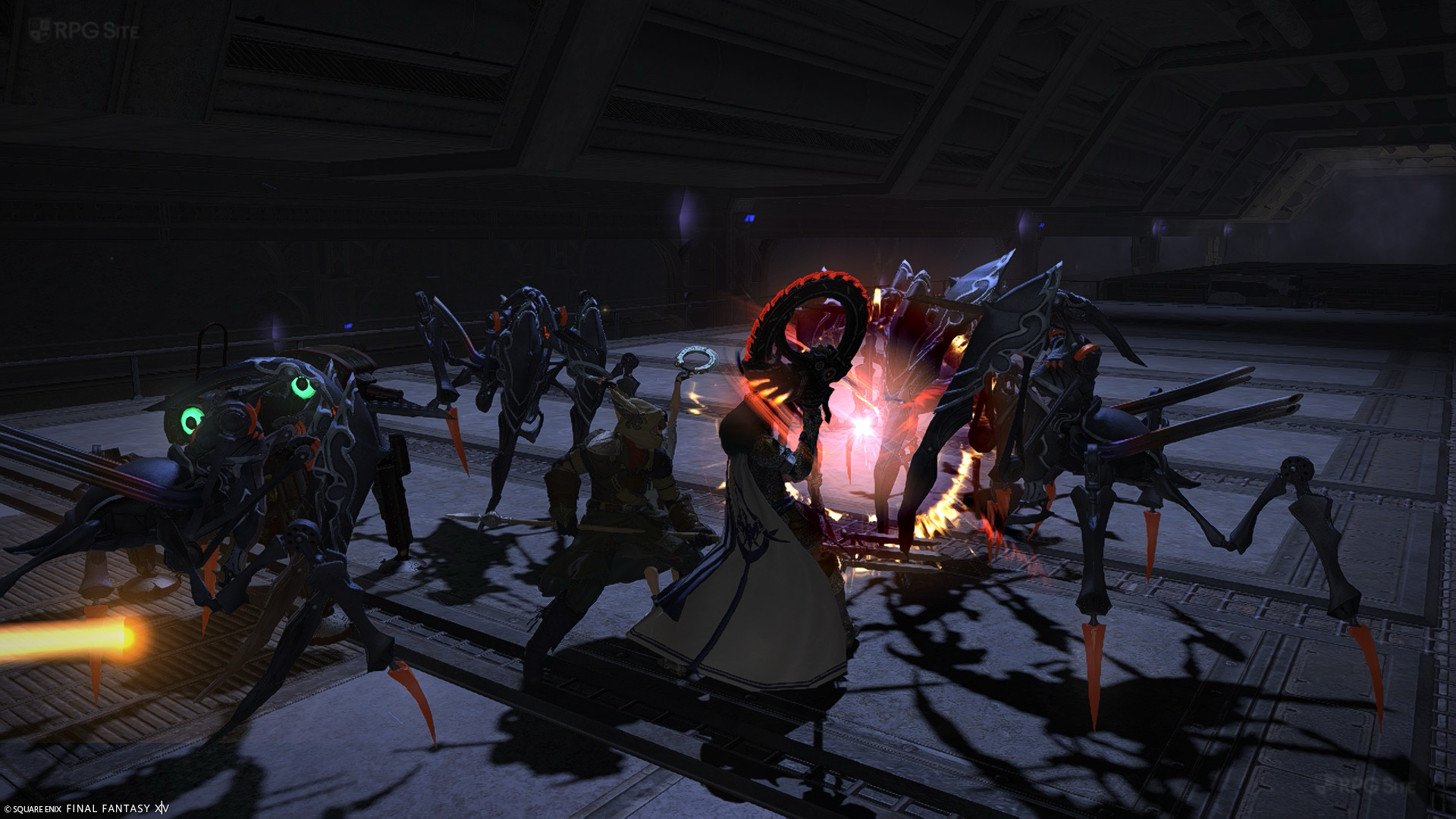
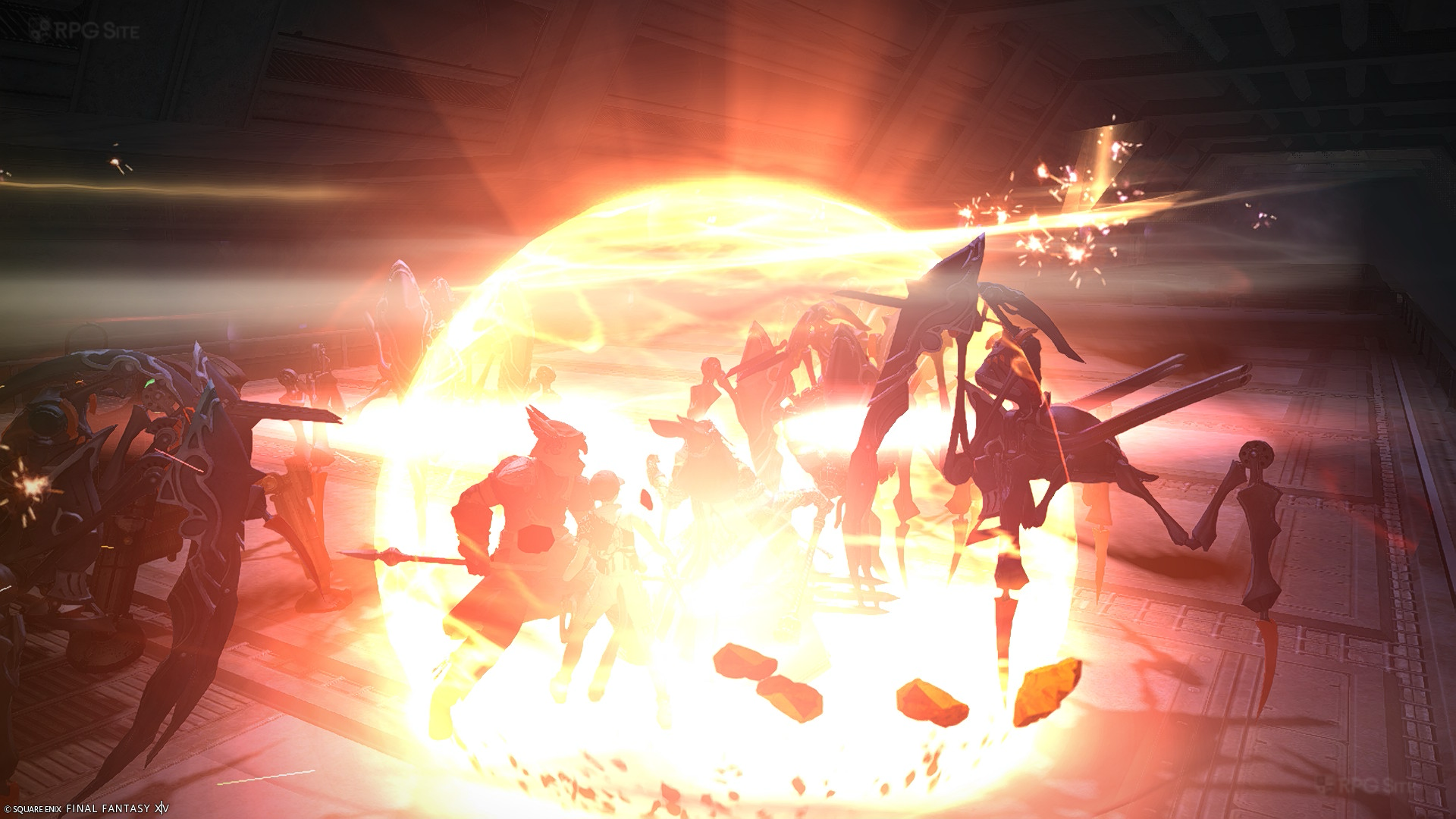
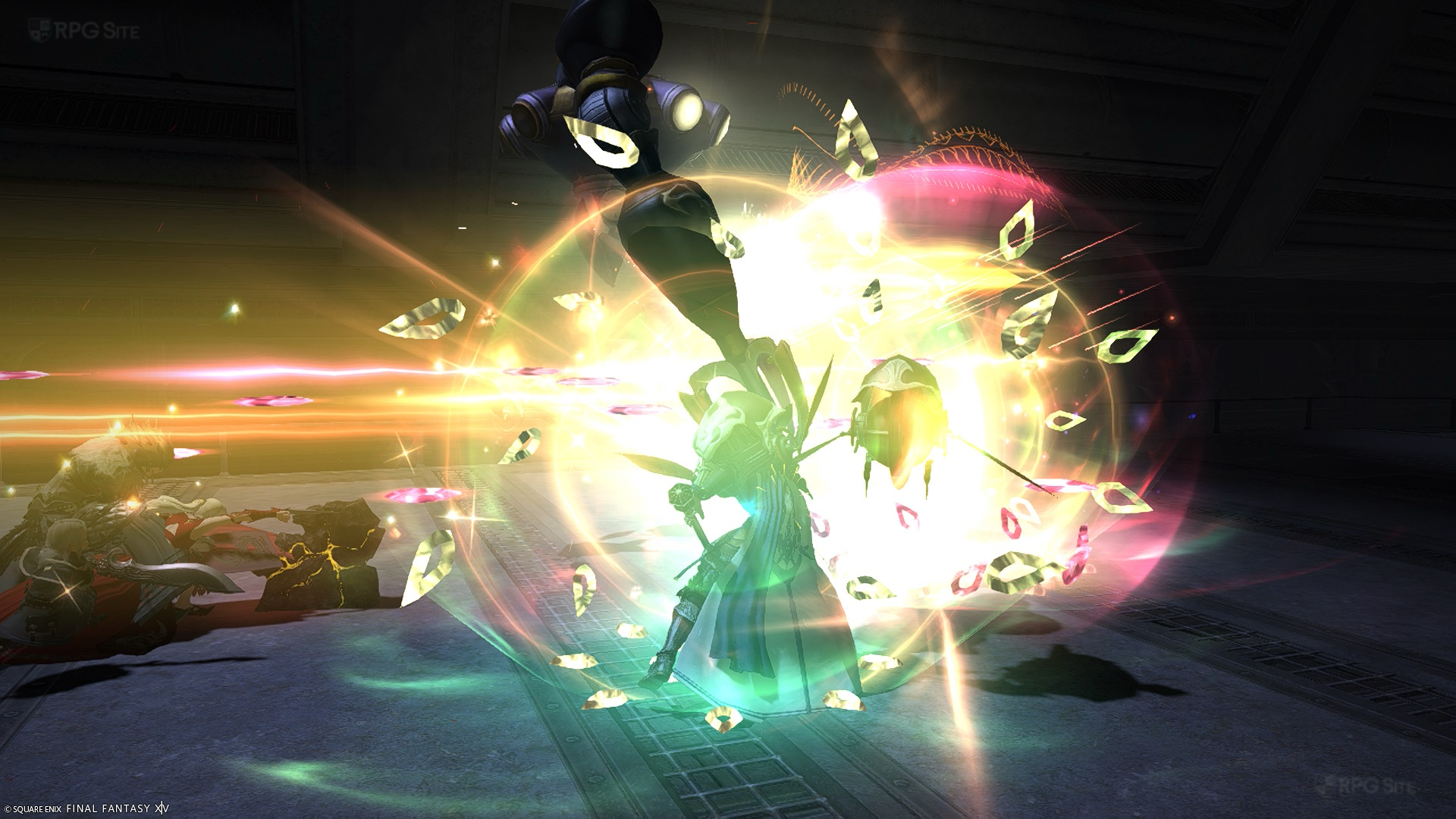
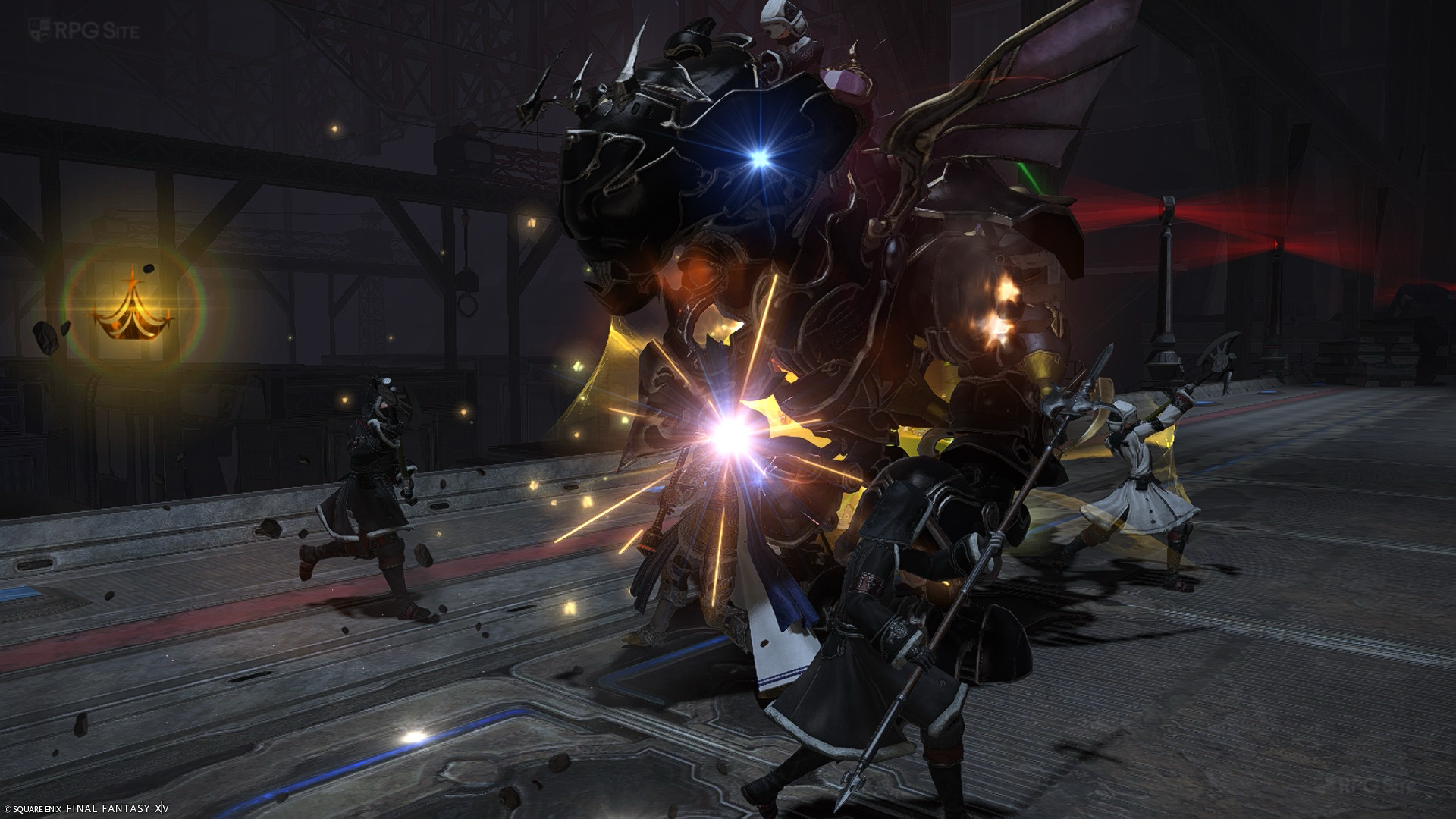
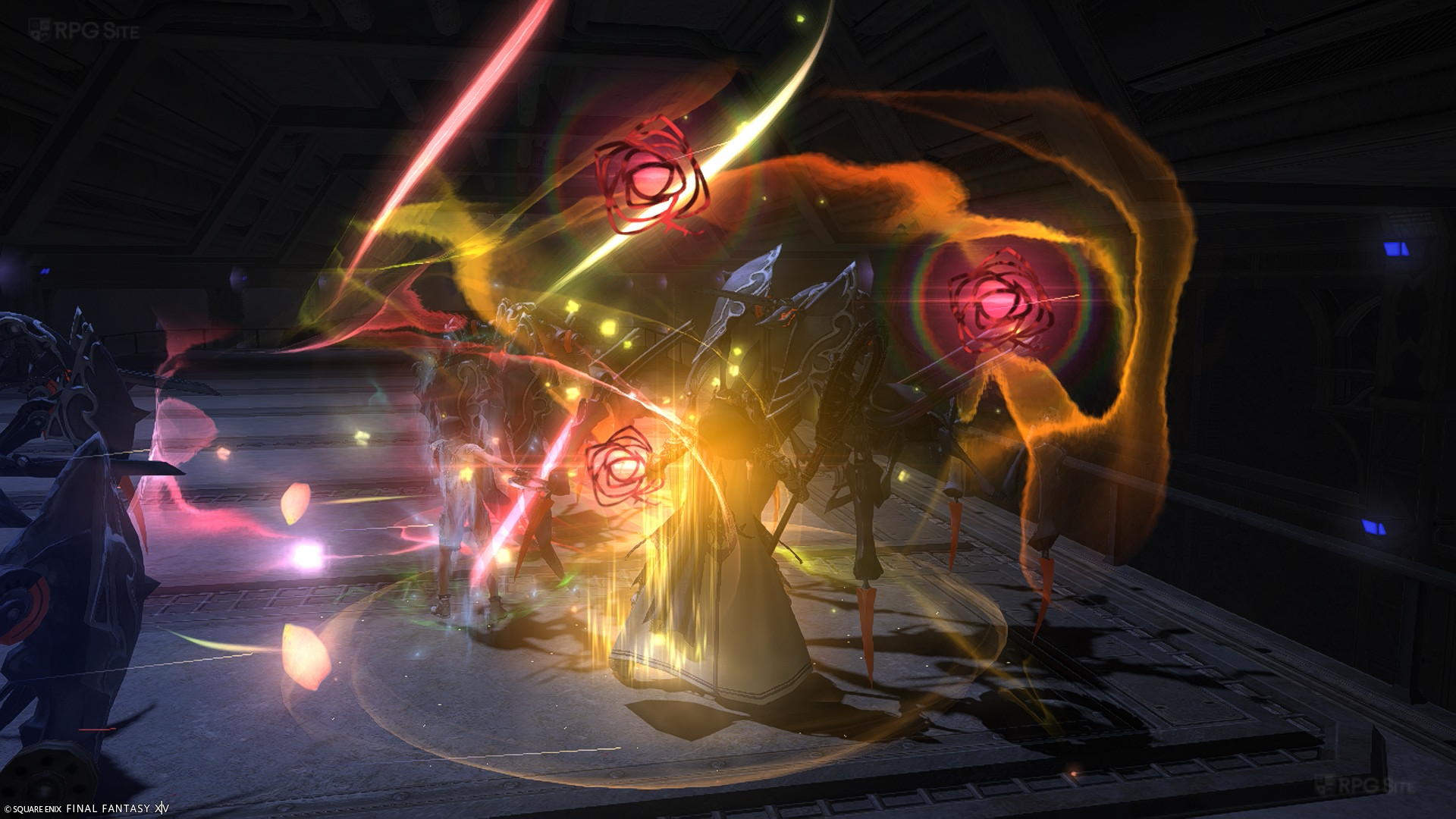
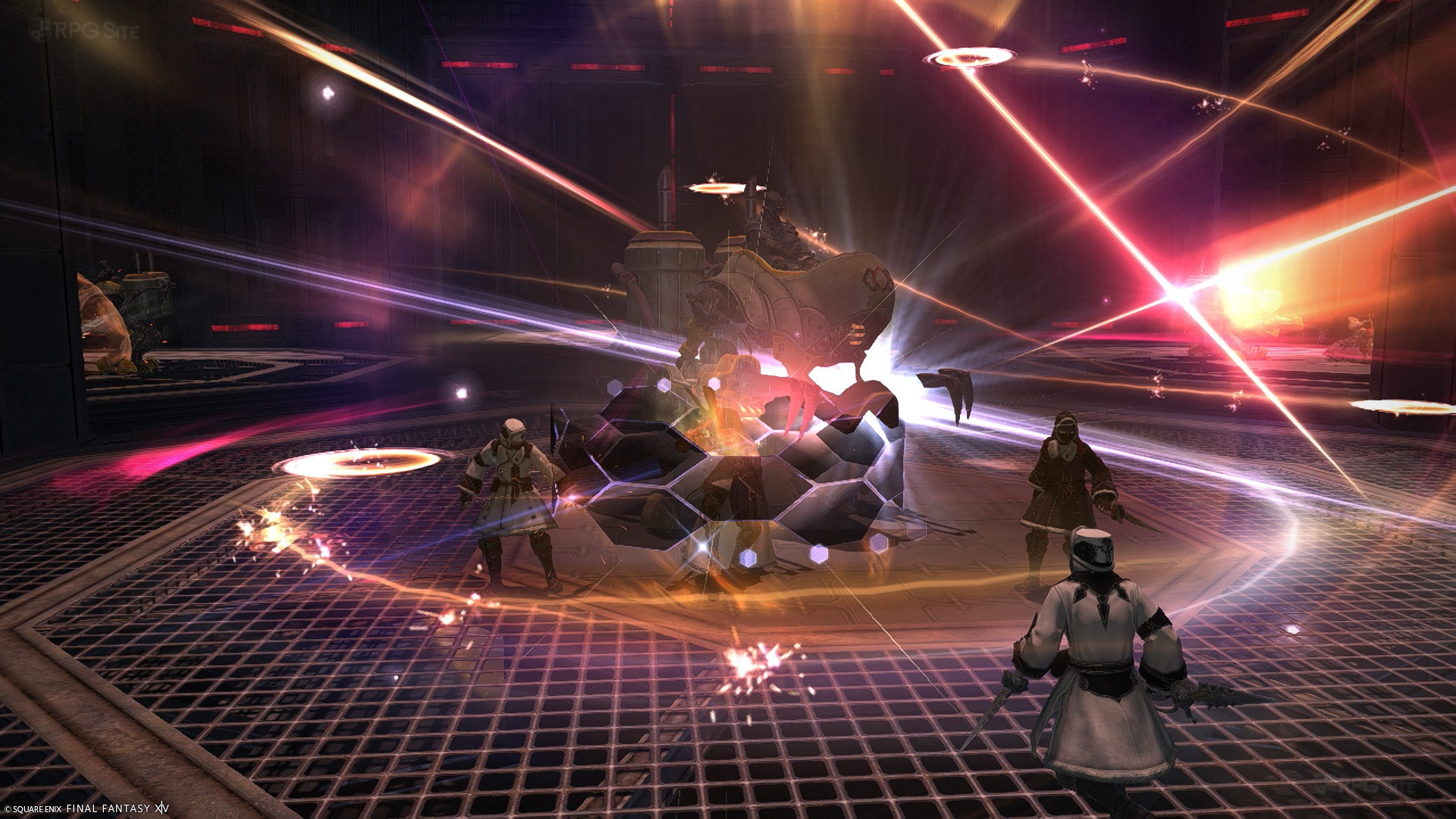
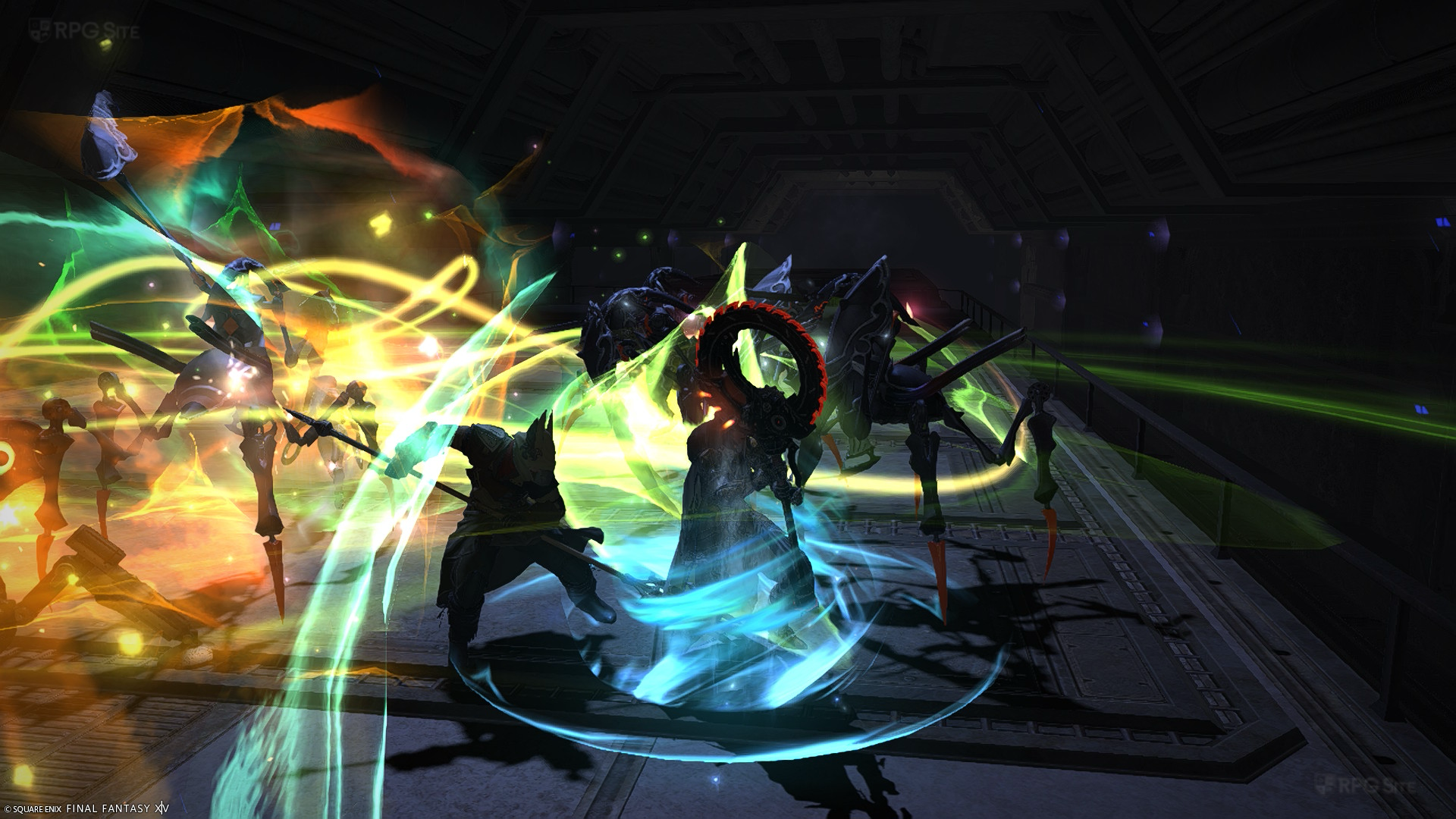
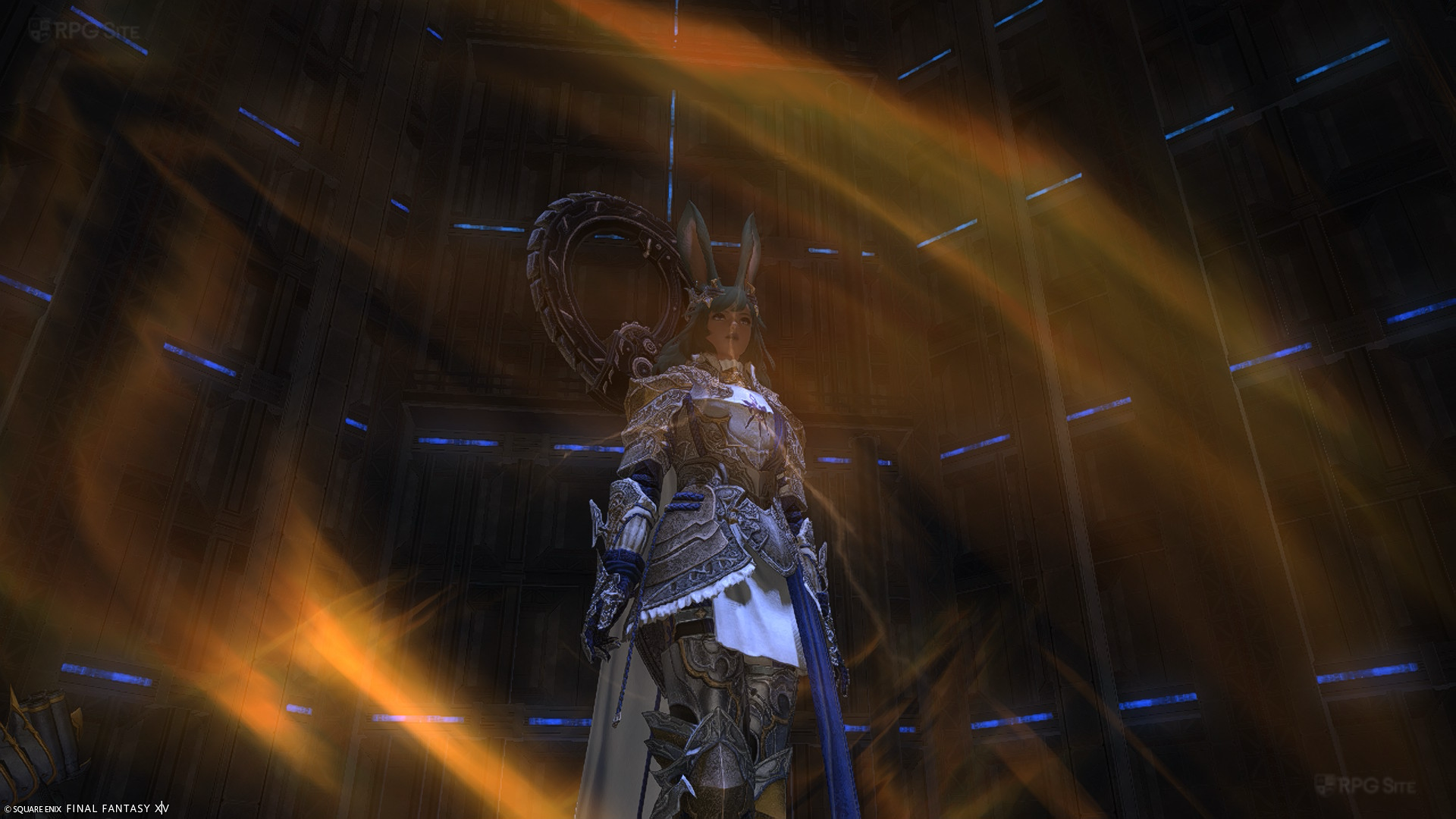
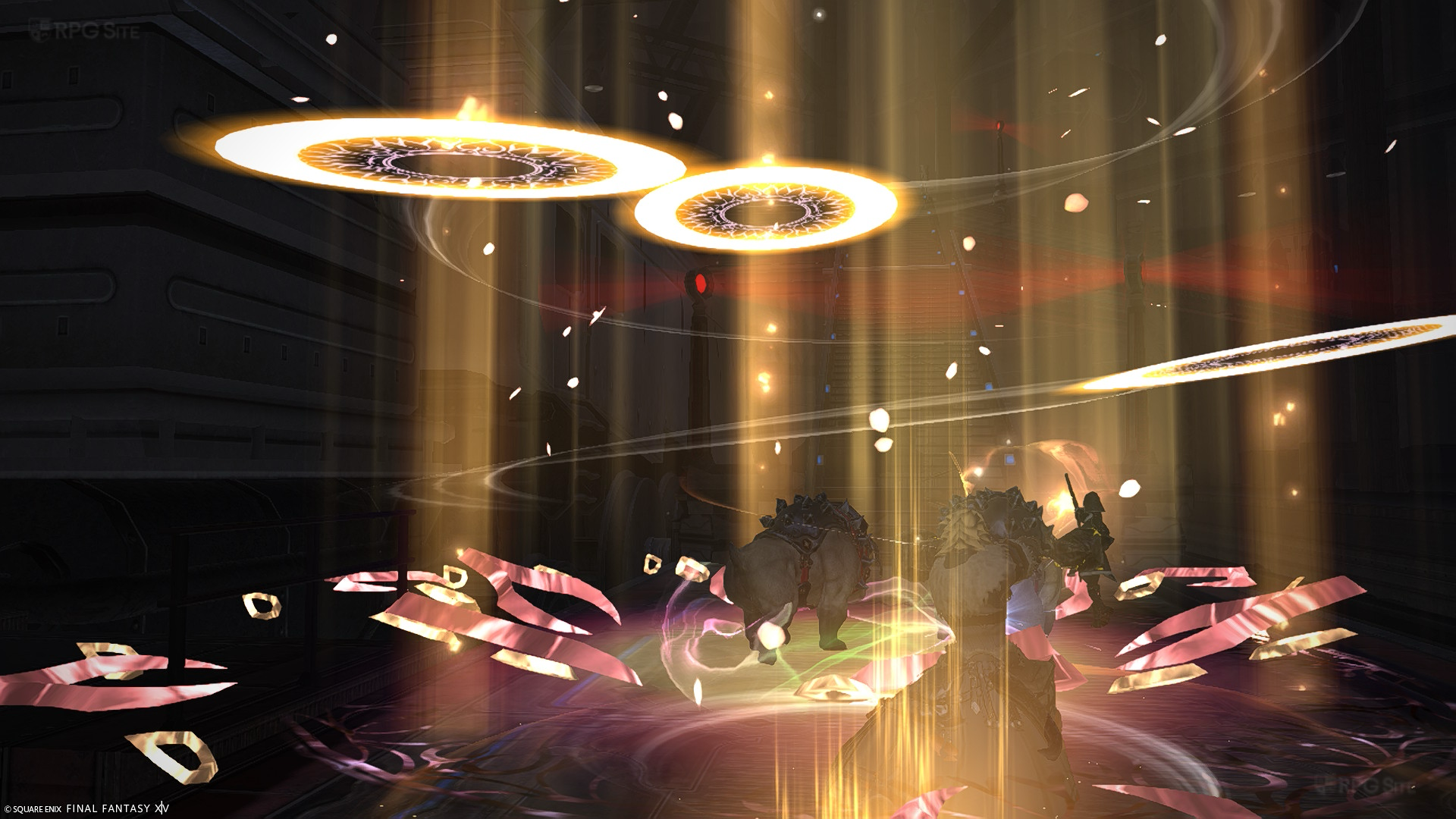
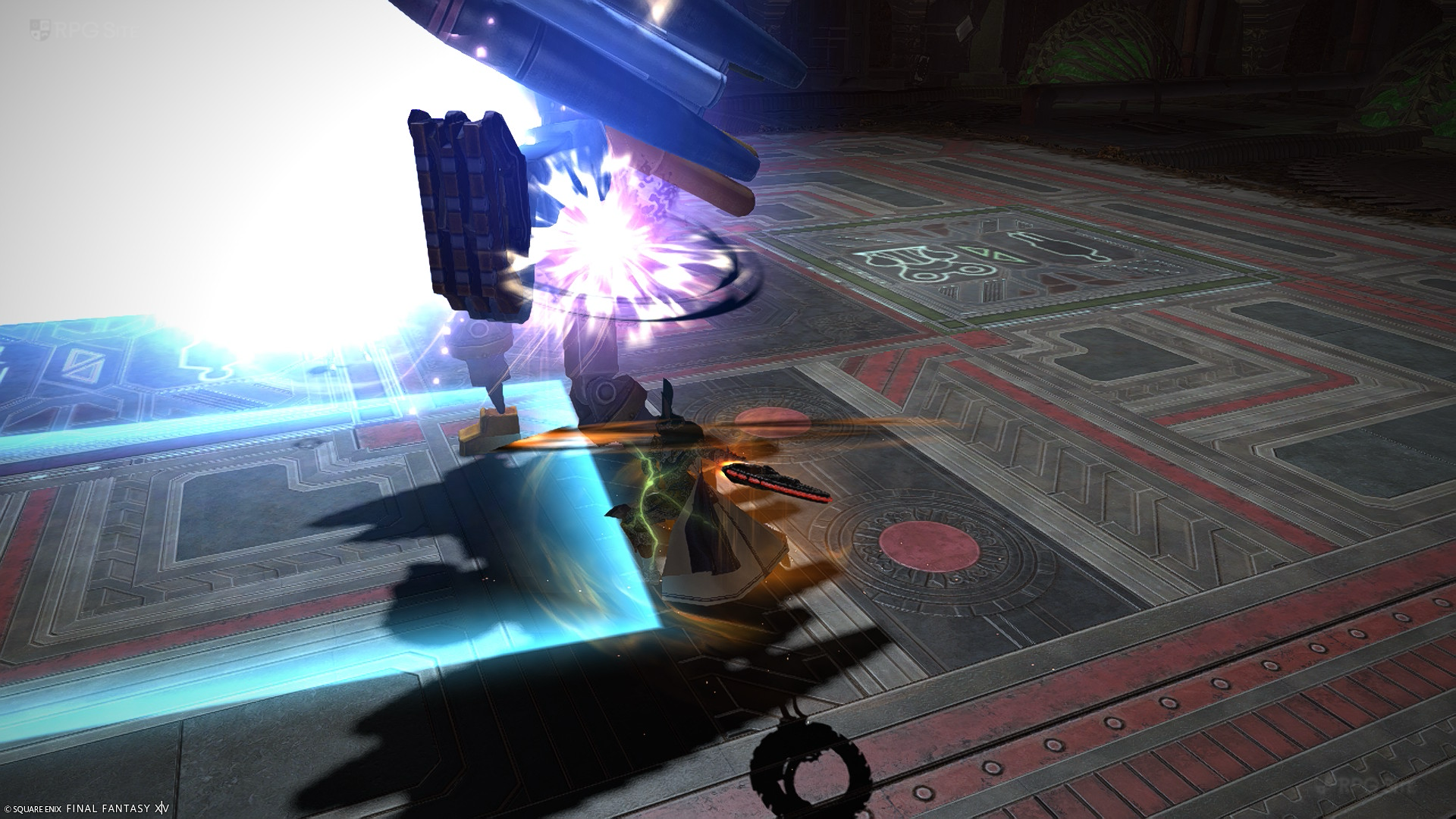
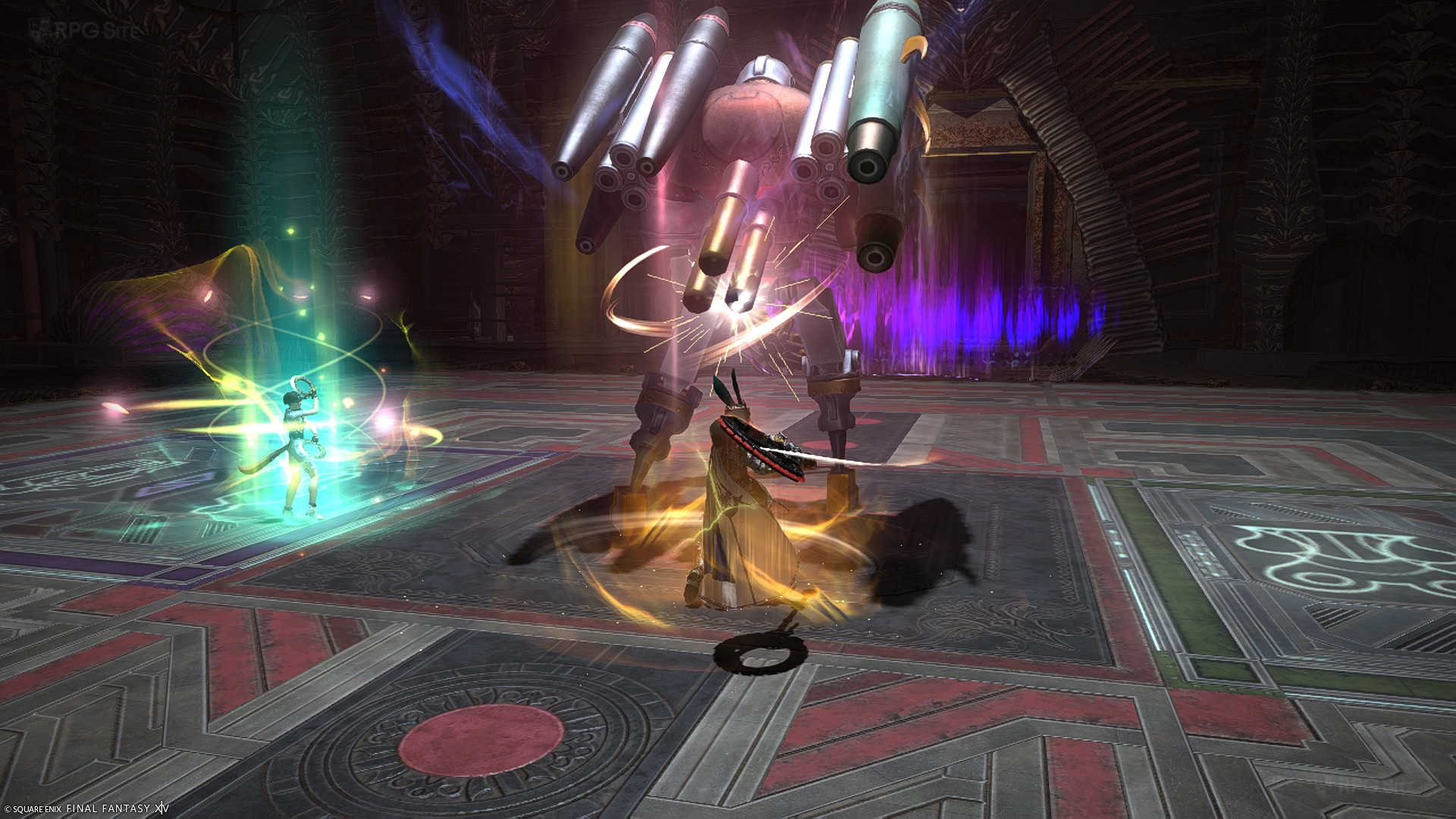
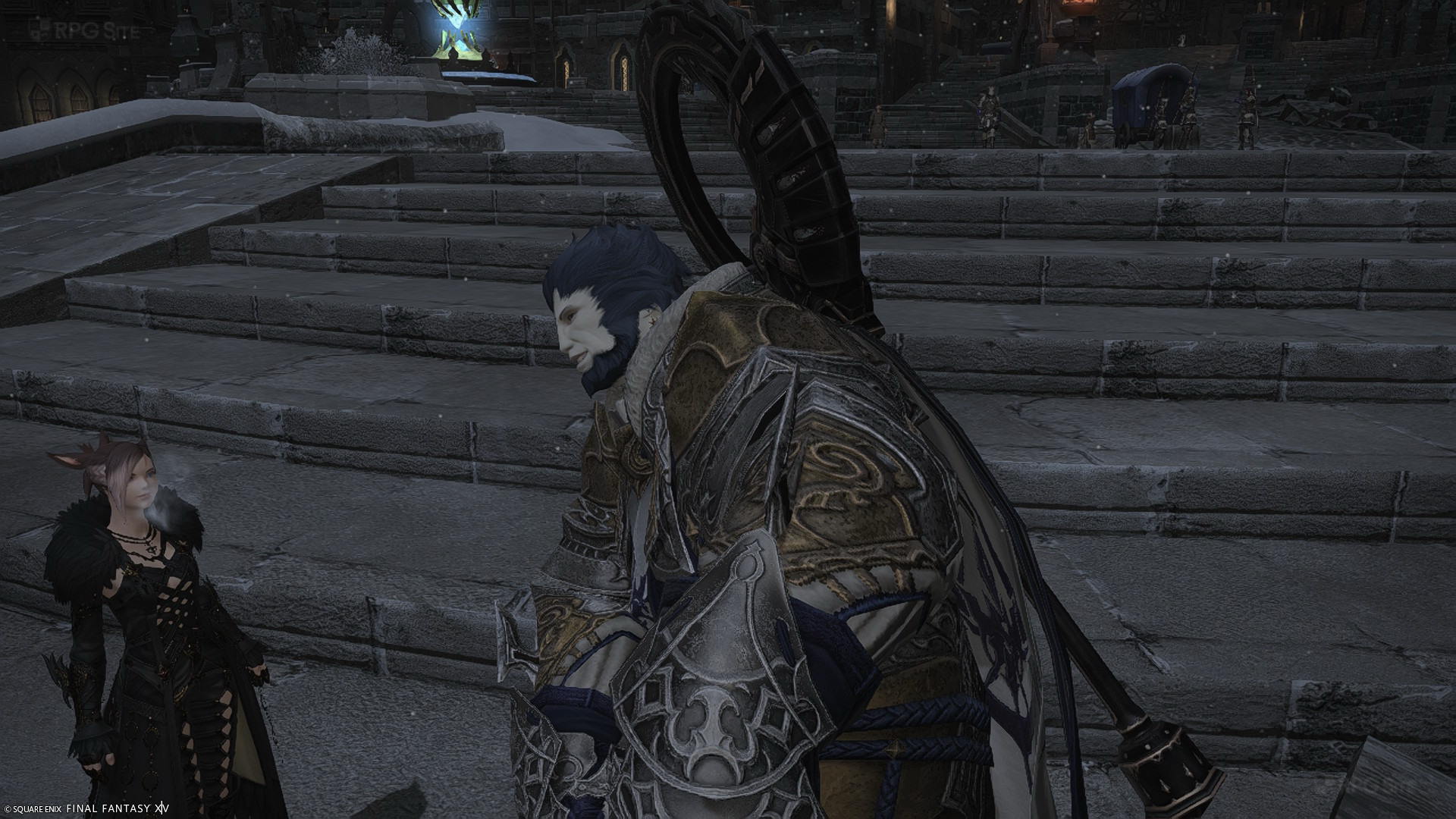
Note: The gameplay screenshots above were taken through the Switch 2 system screenshot functionality.
Visual and performance aside, the Switch 2 can also use mouse controls with the Joy-Con 2 controllers and the touchscreen. I really appreciate this being made available since so many games just ignore the touchscreen. As someone who has played a lot with the DualSense controller touchpad and the trackpad on Steam Deck, I definitely missed those initially, but the Switch 2's touchscreen is a good compromise for tapping around the UI or at targets when needed. The actual in-game menus are not touch optimized and it feels quite clunky if you try to use the touchscreen for all menu navigation. Hopefully Square Enix can improve this over time. It is a good start to how Square Enix used the Switch 2's unique features with Final Fantasy XIV from day one.
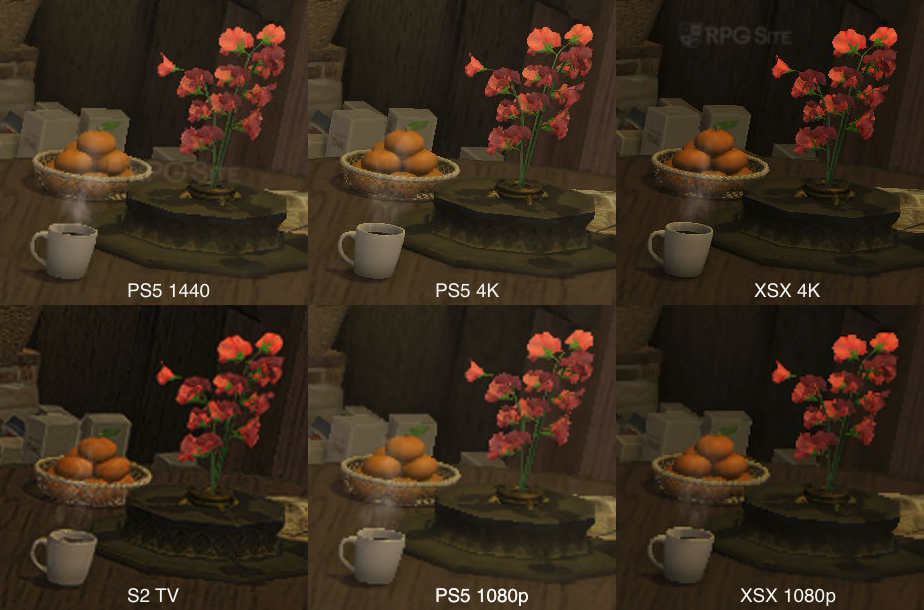
Note: Because of the time of day and other issues with the scene changing, I selected a specific indoor location in my Free Company house and zoomed in to crop one portion of the screen to show how the environment varies per platform. Keep in mind that Switch 2 is 30fps or uncapped while all other versions are a lot higher even hitting upwards of 90fps aside from the native 4K setting.
Final Fantasy XIV Switch 2 docked and handheld performance compared to PS5, Xbox, Steam Deck, and PC
The Switch 2 visuals are locked right now barring that frame rate option, and also some particle effect settings that AustinSV went over in his video when discussing performance impact. I used the default on all platforms when testing. This means I did not change anything relating to resolution or performance or details on consoles. For PC, I used the laptop high and low presets to test, but I usually stick to the laptop high preset on Steam Deck with some tweaks to improve visuals more. In my testing, it never dipped below 30fps including in Limsa Lominsa's hubs. The ROG Ally runs a lot better than Steam Deck here and you can even target 1080p vs the 800p on Deck. The Switch 2 in handheld doesn't have any performance options and just runs close to 30fps. In the 4 hours I tested across hubs, exploration, dungeons, and more in the last few days, it never felt bad. I'm not sure if VRR is working or not, but I was satisfied with the performance on Switch 2 handheld.
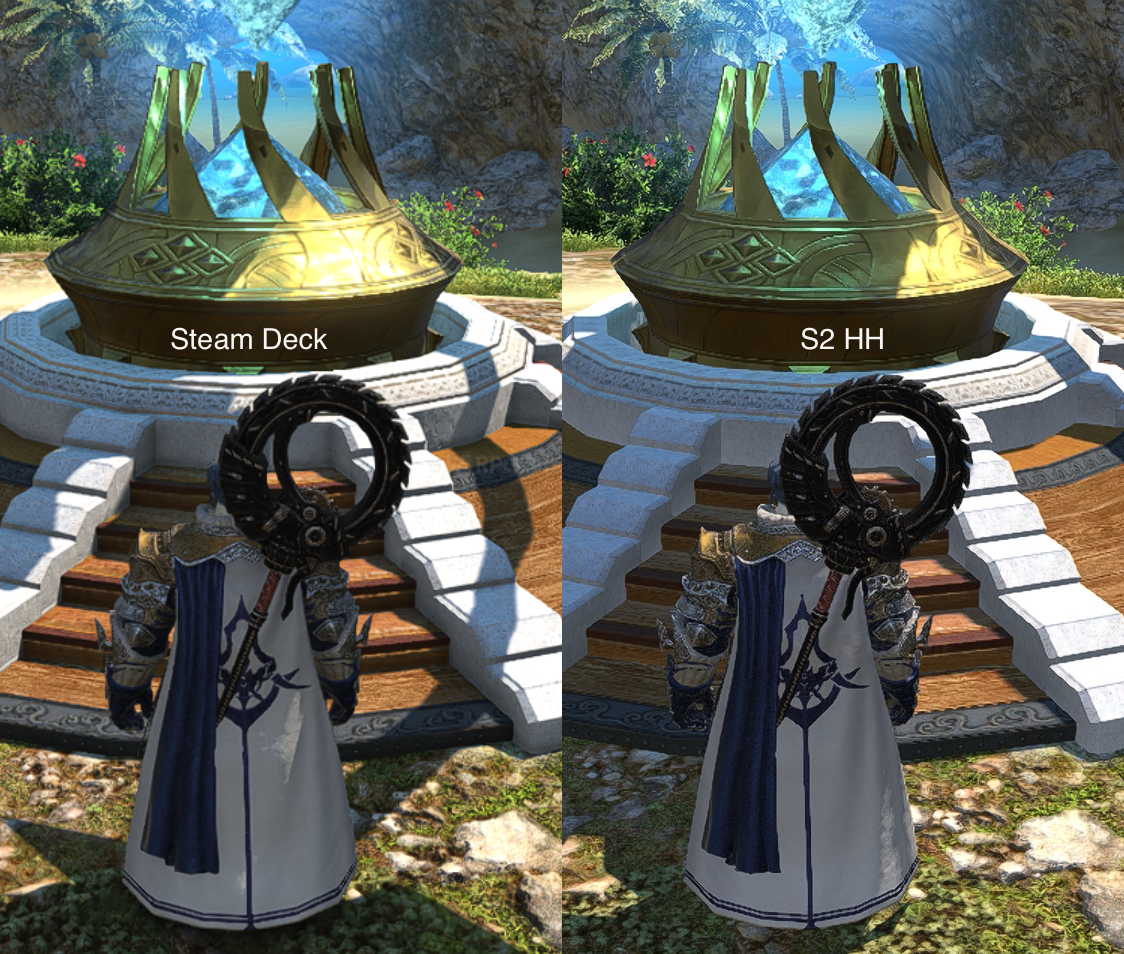
When played docked though, the lack of VRR hurts. The uncapped option feels awful because of this and it almost always hovers in the 30s or low 40s unless you are in a small area. I enabled the 30fps cap and stuck to it while playing. I didn't run into major issues and just wished the visuals were better for 30fps. I hope we see a 1440p 30fps option added in the future on Switch 2 for docked play.
If you want a 60fps experience, your best bet on console is to play with the 1440p option and dynamic resolution enabled. If you have a VRR display, leave the frame rate uncapped with the console outputting 120hz, but I recommend playing without 120hz for a more stable experience at 60fps if you don't have VRR. If you have a PS5 Pro, you can get a solid 60fps target experience even at 4K with VRR dealing with the drops below 60fps to the mid 50s.
Final Fantasy XIV load times across PS5, Switch 2, Xbox, PS5 Pro, PC, and Steam Deck
To measure load times, I tested the initial load to title screen. I did not include the time taken to type the password or one time password here. Those are extra and will vary based on how quickly you type. Keep this in mind for the initial load because it makes the PC version take longer with the added steps needed. The second test I did was loading a character to when you can control them in-game. I did not count the congestion time here since that will vary by time of day and server. The final test I did was how long it takes to teleport from Limsa Lominsa to New Gridania. I verified this back and forth thrice over the last few days and included Switch 2 results as of August 8 after the patch is live.
I had FFXIV installed to the Switch 2 internal storage, PS5 Pro internal storage, base PS5 M2 SSD, Xbox Series X internal storage, Steam Deck OLED internal storage, and ROG Ally internal storage for this test. Results will vary if you play it on a Switch 2 micro SD Card Express.
| Version | Title | Loading | Teleport |
| Switch 2 | 34 | 14-15 | 12 |
| PS5 | 33-36 | 7 | 7-8 |
| PS5 Pro | 34 | 6 | 7 |
| XSX | 48-50 | 14-15 | 7-9 |
| Steam Deck | 55-60 | 9 | 7-8 |
| ROG Ally | 48 | 13 | 8 |
As you can see, the PS5 version has the fastest loading while in-game, but the Switch 2 does a much better job than expected. I say that because a lot of third party games take very long to load on Switch 2 compared to PS5. In this case, the Switch 2 actually loaded faster than all non PS5 platforms initially, but the fast travel or teleport time is slower than SSD platforms. This is still a better turn out for Switch 2 than I expected based on the tons of third party games I've played and tested over the last year.
I will cover the login experience below, but note once again that the times above do not count how long it takes to type the password/otp on PC/Steam Deck or the one time password on PS5.
FFXIV login experience in 2026
After covering visuals, performance, and other technical differences, I want to cover the actual login experience because it is something that has bothered me for a while now across some platforms. Based on what version of the game you play, you potentially have to do more to login because Square Enix hasn't updated much in recent years for older platforms. The PC client requires you to type your password and one time password (otp) every single time you want to login while the PS5 and PS4 versions only ask for your one time password with the other information saved. The new Switch 2 version behaves like the Xbox release where it saves all the details and you only need to click play. With this in mind, the Xbox and Switch 2 versions have the least amount of friction to login. You might think I'm nitpicking here, but having to type out using a virtual keyboard or just in general without an option to save all information is annoying.
FFXIV subscriptions needed across platforms
FFXIV on Windows/PC, macOS, and PlayStation 4/5 use the same subscription. FFXIV on Xbox Series consoles can piggyback off this subscription if you already have it or play on those platforms as well, but if you only play on Xbox with a new account/character, you need to buy the subscription using FFXIV Coins. FFXIV on Xbox also requires an Xbox Game Pass Core (previously known as Xbox Gold) subscription. You do not need a PS+ subscription to play FFXIV on PS4 or PS5.
Moving over to Switch 2, FFXIV does not require a paid Nintendo Switch Online subscription, but it does have its own added subscription cost. If you play FFXIV on PS5/PS4/PC/Xbox already, you can buy the Switch 2 FFXIV subscription at half the price, but you can only do this via FFXIV Coins purchased on the eShop. Square Enix has made this more confusing than it should be, and I will try and keep things simple to cover what you need depending on what platforms you play on or will play on:
- FFXIV only on PS5/PS4/PC/Mac - You can buy a subscription using the mogstation, use a game time card (has to match your account region) purchased at retailers, or use Square Enix Crysta covered here.
- FFXIV only on Switch 2 - You need to buy XIV Coins via the eShop and then purchase the subscription.
- FFXIV only on Xbox Series - You need to buy XIV Coins via the Microsoft Store and then purchase the subscription. You need Xbox Game Pass Core (previously Xbox Live Gold) when playing on Xbox.
- FFXIV only on Steam - You can buy your subscription through Steam, but you can also use the 60 day time cards as long as you redeem them on Mogstation from a browser and not via the client on Steam.
- FFXIV on PS5/PS4/PC/Mac and Xbox Series - You can buy a subscription using the mogstation, use a game time card (has to match your account region) purchased at retailers, or use Square Enix Crysta covered here. You need Xbox Game Pass Core (previously Xbox Live Gold) when playing on Xbox.
- FFXIV on PS5/PS4/PC/Mac and Switch 2 - You can buy a subscription using the mogstation, use a game time card (has to match your account region) purchased at retailers, or use Square Enix Crysta covered here. In addition to this, you need to buy XIV Coins on the eShop and buy the Switch 2 sub at half price.
- FFXIV on Xbox Series and Switch 2 - You need to buy the Xbox subscription using XIV Coins on Xbox and then get the XIV Coins on the Switch 2 eShop to get that sub at half price. You need Xbox Game Pass Core (previously Xbox Live Gold) when playing on Xbox.
- FFXIV on PS5/PS4/PC/Mac, Xbox, and Switch 2 - You can buy a subscription using the mogstation, use a game time card (has to match your account region) purchased at retailers, or use Square Enix Crysta covered here. In addition to this, you need to buy XIV Coins on the eShop and buy the Switch 2 sub at half price. You need Xbox Game Pass Core (previously Xbox Live Gold) when playing on Xbox.
Basically if you want to play on Switch 2 in addition to any other version, it costs you 50% of a subscription on top of the full price subscription. If you play on Xbox Series, you also need Xbox Game Pass Core (previously Xbox Live Gold).
Note: The one thing I'm not 100% sure about right now, and won't be able to verify until about a month from now, is whether XIV Coins bought on Switch 2 can be used for either subscription or if they are limited to just the Switch 2 version. XIV Coins on Microsoft Store can only be used for the Xbox version as detailed here.
Which is the best version of Final Fantasy XIV in 2026?
This depends on whether you want to play at home on your TV/monitor or on the go with a portable. Note that I don't use mods or plugins so cannot comment on those. The PC, PS5, and Xbox Series X versions deliver the best visual experience, but you need to keep in mind the added Xbox Game Pass Core subscription needed for that version. The console versions support keyboard and mouse input as well so that isn't an issue. The Switch 2 version is honestly disappointing docked given the shimmering and lower quality graphics compared to playing the PS5 or Xbox versions at 1080p. The Switch 2 version isn't a bad way to play Final Fantasy XIV, but I don't recommend it unless you have no other option.
Moving over to portable, I think this is where Final Fantasy XIV shines on Switch 2. It is solid, but a bit conservative compared to how it is on Steam Deck and ROG Ally. I didn't expect 60fps, but I was hoping for better visuals. The touchscreen definitely helps, but this is hard to recommend if you already play on PC handhelds since those have more buttons and input options (especially on Steam Deck) and you can play those with your existing subscription instead of paying the added Switch 2 Final Fantasy XIV subscription (50% off for existing active subscribers).
Final Fantasy XIV on Switch 2 is a solid pickup and play version of the game with the least friction to actually getting in-game. It also has a faster initial load than PC handhelds and lets you play immediately without having to type your password and one time password every single time. That might not matter to some, but it is definitely annoying enough for me to mention it. I also appreciate the HD rumble implementation on Switch 2 which is a lot better than the lacking rumble on Deck. If the additional subscription doesn't bother you, this is an easy recommendation for portable play, but I hope Square Enix improves the docked experience.
If you play only on TV or a monitor and on consoles, keep in mind that VRR helps a lot in a game like this if you play with the 120hz option enabled on your console. I don't have VRR on PS5 or PS5 Pro, so the Xbox version is actually better in that regard on my setup. If you have VRR and own a PS5 Pro, just the console brute forcing the PS5 build helps a lot as I covered in my PS5 Pro impressions.
What I want fixed in Final Fantasy XIV on Switch 2
In addition to hopefully optimizing the game more to potentially offer a higher quality experience docked, I hope to see at least 4K and 1440p UI options added for docked play. Being forced to 1080p is disappointing. I also hope we see more mouse support added as AustinSV covered in his video going over mouse support on Final Fantasy XIV console and more. Beyond that, DLSS support would be great since it looks like it doesn't use it at all right now and the PC version does support DLSS. We've seen games patch in DLSS later like Fallout 4 and I hope that happens here as well. Maybe Square Enix was a bit conservative with the handheld experience to save on battery life, but I hope we see a higher quality option added for those who want it.
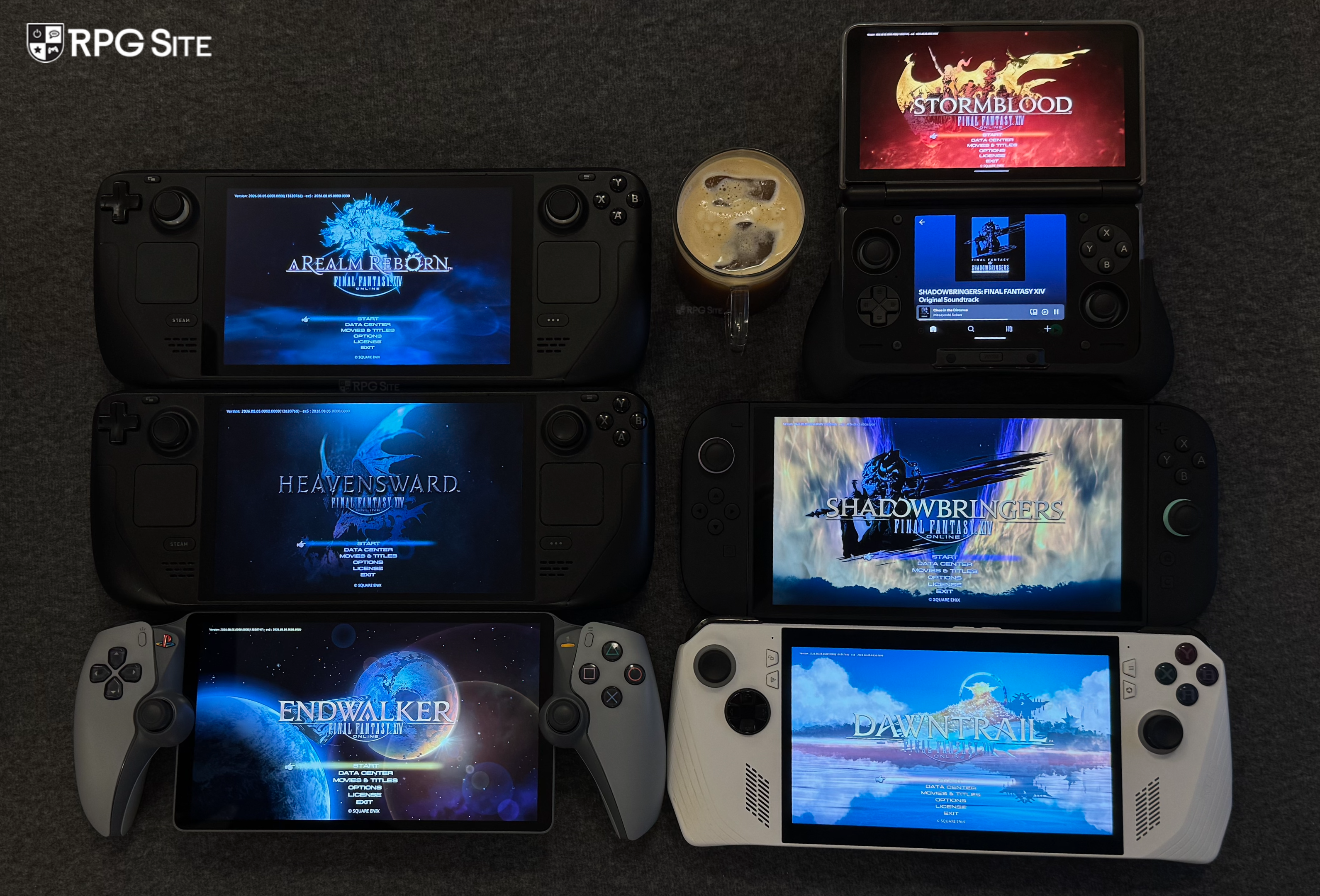
As someone who plays FFXIV on everything I have access to, I will definitely keep playing it on Switch 2 handheld alongside other devices. I will revisit the port docked whenever we get any updates to address how it looks and runs there. I also look forward to checking it out natively on AYN Thor in the future for another article.
Final Fantasy XIV is now available on Nintendo Switch 2, Xbox Series, PS5, PS4, Steam, PC, and Mac. Final Fantasy XIV: Evercold launches in January 2027 for the same platforms.